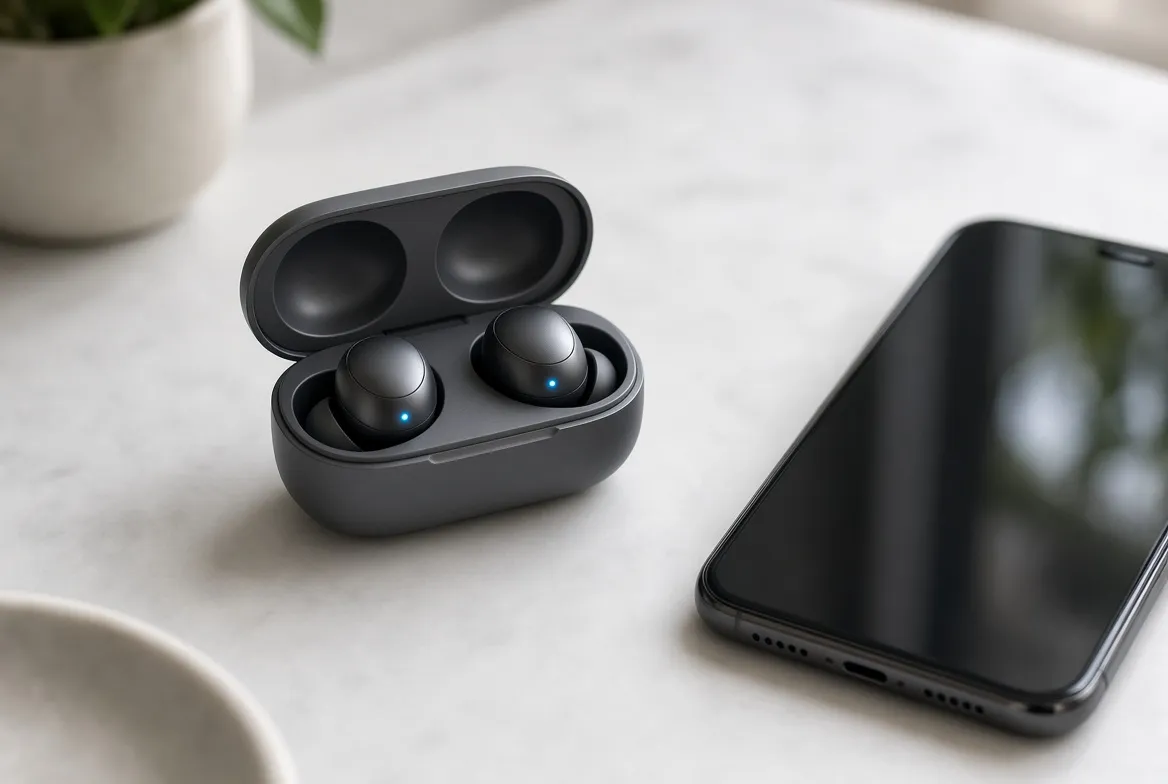
Translation earbuds let you hear a stranger's words in your own language, almost as they speak. It feels like magic, but it is a short chain of four AI steps, and most of the work happens on your phone or in the cloud, not inside the buds.
This guide explains each step, why delays happen, how accurate the results really are, and how to get better translations.
What Happens Between Their Words and Your Ear?
Listen. The microphones pick up the speaker and reduce background noise. This is the same cleanup behind AI noise cancellation.
Transcribe. A speech recognition model turns the sound into text in the speaker's language.
Translate. A translation model converts that text into your language.
Speak. A text-to-speech model reads the result into your ear. Some systems show a transcript on your phone as well.
Each step adds a small delay, so the total lag is the sum of all four. That is why even fast systems sound a beat behind. The AI must hear enough of a sentence before it can safely translate it, and your ear then waits for the spoken result.
Why Is There a Delay?
Translation needs context. Word order differs between languages, so a system often waits for a full phrase before it translates. That wait is the main source of lag. Three other things make it worse:
Background noise. The first step has less clean audio to work with.
Long sentences. More words mean more to process and more to get wrong.
Slow processing. Weaker hardware takes longer at each step.
In a Which? test of Apple's Live Translation, Spanish with background noise produced delays and long pauses. French had only small delays on long or complex sentences.
Where Does the Translating Actually Happen?
The buds mostly capture and play audio. The phone runs the models.
Setup | Who does the work | What you need |
|---|---|---|
AirPods Live Translation | The iPhone, after you download languages | Compatible AirPods, iPhone 15 Pro or later, Apple Intelligence |
Pixel Buds with Pixel | The Pixel phone and its Tensor chip | A Pixel phone and Pixel Buds |
Apple says translations are processed on the iPhone once you download the languages, which keeps conversation data private. Google says its Tensor chip handles speech recognition and translation that work regardless of network strength.
Running big models on a phone is possible because of model compression and edge AI chips. For the privacy trade-offs, read On-Device AI vs Cloud AI.
How Accurate Are Translation Earbuds?
Good, not perfect. Which? tested Apple's feature in Italian, Spanish, German and French with bilingual speakers and called it generally accurate, with some grammar slips. Specific results varied:
French: rated excellent.
Italian: very accurate in a quiet room, but it garbled a name, turning "British Airways" into "Briti shareway".
Spanish: close to word for word, with missing prepositions.
German: mostly accurate, but one sentence was mistranslated.
Names, numbers and slang are the weakest spots. For anything important, such as a contract or a medical detail, double-check with a second method.
What Features Make a Real Difference?
Two-way mode. If both people wear supported AirPods, each hears the conversation in their own language.
Phone transcript. Apple shows the dialogue in the Translate app, and the other person can read your reply there.
Your own voice. On Pixel, call translation keeps the sound of the speaker's voice, so the other side hears your words in a voice that still sounds like you.
Conversation Mode. Pixel Buds can interpret in-person chats, not just calls.
How Can You Get Better Translations?
Download languages first. Apple needs both the speaker's language and yours installed.
Use short sentences. Pause between thoughts so the system can finish each one.
Find a quieter spot. Clean audio fixes many errors before they start.
Spell out names. Show a written name or address when it matters.
Switch to the app. Which? testers found the app faster on long sentences.
Conclusion
AI translation earbuds chain listening, transcribing, translating and speaking, and your phone does most of the heavy work. They are good enough for travel and casual chats, but names and noisy rooms still cause mistakes.
Which? would not tell anyone to upgrade just for the feature, but it is worth using if you already own compatible gear. Read Are AI Gadgets Worth It? before you buy, and check the AI gadget privacy guide for what each brand stores.
FAQs:
Q1: Do translation earbuds work offline?
A: Check before you travel. Apple processes translations on the iPhone once you download the languages, but confirm offline support for your exact language pair.
Q2: Do both people need earbuds?
A: Not always. One person can wear the buds and let the other read a phone transcript. Both hearing in their own language needs two supported pairs.
Q3: Can translation earbuds replace a human interpreter?
A: Not for high-stakes talks. Which? found garbled names and grammar slips, so use them for travel and casual chats.
Q4: Which phones do I need?
A: Apple's feature needs an iPhone 15 Pro or later with Apple Intelligence. Pixel's call translation needs a Pixel phone.