Updated June 2026 · 10-minute read
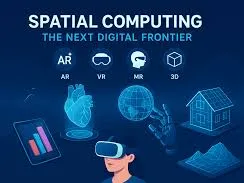
Spatial computing is one of those phrases that gets used confidently in tech coverage without much explanation. Apple used it to describe Vision Pro. Microsoft used it to describe HoloLens. Meta uses it to describe the direction of the Quest platform. Each company is describing something slightly different, which adds to the confusion.
This article explains what spatial computing actually means, how it differs from regular computing, what role AI plays in making it work, and which consumer devices in 2026 fall under the category. By the end, you will have a clear framework for understanding any spatial computing product you read about, whether it is something shipping today or something announced for the next few years.
The Core Idea: Computing That Understands Space
Regular computing treats the world as flat. You interact with a screen, which displays a two-dimensional representation of information. You navigate that information with a pointer or your fingers. The physical space around you is irrelevant to the computer. It does not know where you are, what you are looking at, or how your body is positioned.
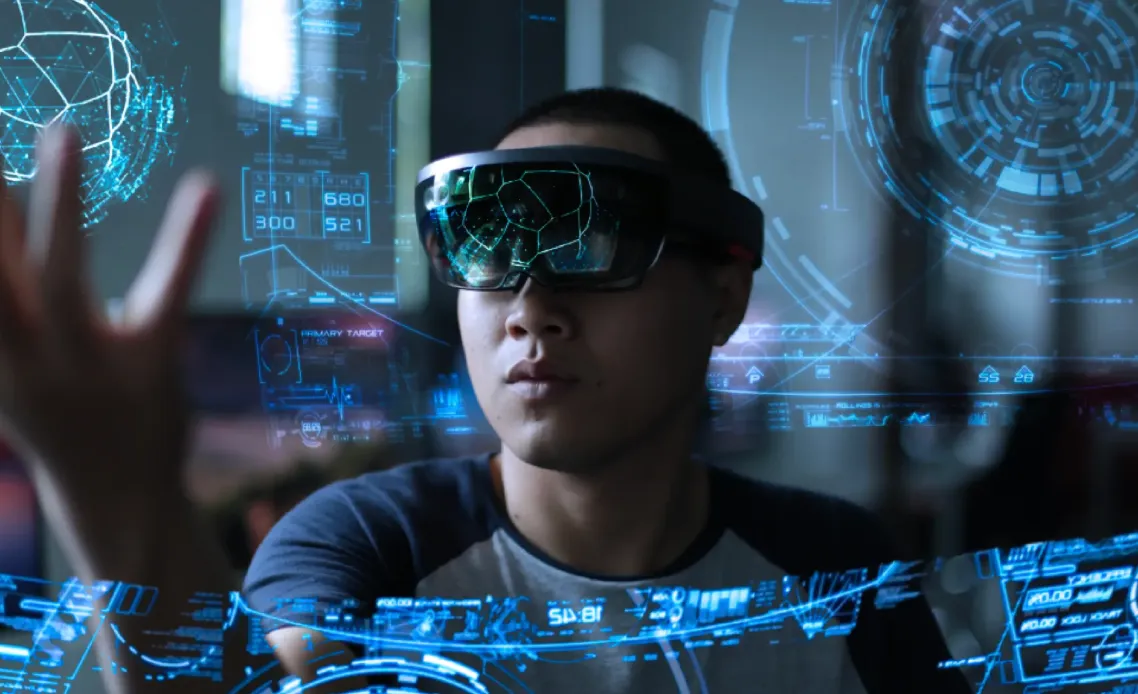
Spatial computing changes this fundamental assumption. A spatial computing system understands three-dimensional space. It knows where you are in a room. It knows what surfaces surround you. It can anchor digital content to specific physical locations. It can track your hands, eyes, and body as input devices. The physical world and the digital world become layered on top of each other rather than existing in separate realms.
The word "spatial" here means relating to space and the physical positions of things within it. A spatial computing system takes the three-dimensional structure of the real world seriously as both a context for computing and as an interface for interacting with it.
Where AI Fits In
Spatial computing would not be practically useful without AI, and this is why the two concepts are increasingly discussed together. Consider what a device needs to do to function as a spatial computer.
It needs to understand what is in the environment around it: surfaces, objects, other people, distances, and how everything is arranged. This requires computer vision running in real time on the device's own processor. Every frame from every camera needs to be analysed and understood.
It needs to track head position and movement with very high precision, typically updating the display position many times per second to keep virtual content anchored correctly in space. This requires AI-powered sensor fusion, combining data from cameras and inertial sensors to maintain an accurate model of position at all times.
It needs to understand natural input. In spatial computing, you do not use a keyboard and mouse. You might use eye tracking to indicate where you are looking, hand gestures detected by cameras, voice commands processed by a language model, or some combination of all three. Each of these input methods requires AI to interpret.
The intelligence required to make spatial computing work is distributed throughout the device and runs continuously in real time. This is why spatial computing hardware is computationally intensive and why consumer-ready spatial computing devices have only become practical as AI chips have become powerful enough to handle all of this locally.
The Spectrum: From AR to VR
Spatial computing covers a range of experiences that sit on a spectrum between complete immersion in a virtual world and subtle digital overlays on the real world. Understanding where different products sit on this spectrum makes the category much clearer.
Augmented Reality
Augmented Reality (AR) keeps the real world fully visible and adds digital content on top of it. The digital elements appear to exist in the physical space around you. Directions overlaid on the road in front of you as you walk. The dimensions of a piece of furniture projected into your room before you buy it. The name of a restaurant floating above its door as you walk past. Real world, plus digital additions.
Consumer AR in 2026 ranges from the mature (Pokemon GO on smartphones, where digital creatures appear in your camera view) to the more sophisticated (XREAL One's 130-inch virtual screen that appears to float in space in front of you) to the early-stage (smart glasses that overlay information in your field of view while you move around).
Mixed Reality
Mixed Reality (MR) is a more sophisticated version of AR where the digital content not only appears in physical space but interacts with it. A virtual ball bounces off a real table. A virtual display attaches to a real wall. A virtual character walks around real furniture rather than passing through it. The digital and physical worlds understand and respond to each other.
Apple Vision Pro operates primarily as a mixed reality device. It uses cameras to capture the room around the user and renders a real-time video of it, with digital applications and content placed within that captured environment. You see the room you are sitting in, with virtual windows and applications positioned as if they were in the space around you.
Virtual Reality
Virtual Reality (VR) replaces the real world entirely with a digital environment. The physical space around you is hidden and you perceive only the virtual world. Meta Quest headsets primarily operate as VR devices, though they also support passthrough modes that work similarly to mixed reality.
VR is the most immersive point on the spectrum and also the most isolating. It is well-suited to specific applications like gaming, training simulations, and entertainment experiences designed to transport you to another place. It is less suited to the kind of ambient computing that spatial computing enthusiasts envision for daily life, where digital content coexists with the real world rather than replacing it.
Consumer Spatial Computing Devices in 2026
The spatial computing device landscape in 2026 spans a wide range of price points, form factors, and levels of sophistication. Here is where the main categories sit.
Device Category | Examples | Spatial Type | Price Range |
|---|---|---|---|
AI smart glasses (no display) | Ray-Ban Meta | Audio AR | $299 to $799 |
AR display glasses | XREAL One | AR (virtual display) | $299 to $699 |
Mixed reality headsets | Apple Vision Pro | Mixed Reality | $3,499+ |
VR headsets | Meta Quest 3S, Quest 3 | VR with passthrough MR | $299 to $499 |
Developer AR glasses | Snap Spectacles, Magic Leap 2 | AR | Developer pricing |
XREAL One: accessible AR display
XREAL One is the most widely available dedicated AR display device for consumers in 2026. It connects to a phone, laptop, or gaming console via USB-C and creates a 130-inch virtual display that appears to float in front of you. The X1 chip handles the spatial tracking that keeps the display stable as you move your head.
It is a narrower implementation of spatial computing than a full mixed reality system. The display is a flat virtual screen rather than content integrated into the three-dimensional environment. But it is practical, affordable, and genuinely useful for work and entertainment in a way that more ambitious spatial computing devices are not yet for most people.
Apple Vision Pro: the most capable consumer spatial computer
Apple Vision Pro represents the current ceiling of consumer spatial computing. It uses 12 cameras, 5 sensors, and 6 microphones to build a real-time model of the environment, tracks eye position with sub-degree accuracy for interface control, recognises hand gestures without controllers, and processes all of this using an M2 chip and a dedicated R1 chip designed specifically for sensor processing.
The device is genuinely impressive as a demonstration of what spatial computing can be. It is also $3,499, heavy for extended wear, and still limited in the range of applications that take full advantage of its capabilities. It defines the direction the category is heading rather than being the product that will bring spatial computing to the mainstream.
Meta Quest: VR with spatial computing aspirations
Meta Quest 3 and 3S offer mixed reality alongside VR, using colour passthrough cameras to capture the real environment and allow digital content to be placed within it. The spatial AI on these devices tracks room boundaries, recognises furniture, and can anchor virtual objects to physical surfaces. At $299 for the Quest 3S, this brings spatial computing capability to a much wider audience than Vision Pro, though with meaningfully less precision and capability.
The Role of Eye Tracking
Eye tracking is one of the most important input modalities in spatial computing and worth understanding in its own right. In a spatial computing system, where you look is the equivalent of where you move the mouse cursor on a traditional computer.
Apple Vision Pro's eye tracking is accurate to within one degree of visual angle, which means it can detect precisely which element on a virtual interface you are looking at. Combined with a subtle pinch gesture, it creates an interaction model that feels surprisingly natural after a brief adjustment period.
Eye tracking also enables foveated rendering: a technique where the AI renders the area you are currently looking at in full detail and reduces the detail of peripheral areas that you are not focused on. This dramatically reduces the processing required to render high-quality spatial content and extends battery life. The eye tracking system must update frequently enough that the detailed rendering area moves smoothly before you perceive any difference in quality as your eyes move.
What Spatial Computing Looks Like for Everyday Use
The most honest description of spatial computing in everyday use in 2026 is that it is genuinely useful in specific contexts and genuinely impractical in others.
XREAL One for a private large display on a plane or in a hotel room: genuinely useful. Apple Vision Pro for watching a film in a virtual cinema environment: genuinely immersive. Meta Quest 3 for fitness applications where the game uses your physical space: genuinely engaging.
Any current spatial computing device as an all-day wearable for normal life: not yet practical. The weight, battery life, social acceptability of wearing a headset in public, and the limits of what applications are available all mean that spatial computing in 2026 is used for sessions rather than continuously throughout the day.
The direction that Apple, Meta, and a range of smaller companies are working toward is spatial computing that fits in normal-looking glasses with enough battery life for all-day wear and enough social acceptability to use anywhere. That future is credibly several years away. The products that will get us there are being built now.
Frequently Asked Questions
Is spatial computing the same as the metaverse?
No, though they are related. The metaverse refers to interconnected virtual worlds where people can interact socially and economically, a vision of persistent shared digital spaces. Spatial computing is the broader technology concept of computing that understands and integrates with physical three-dimensional space. You could build metaverse experiences using spatial computing hardware, but spatial computing also covers plenty of applications that have nothing to do with shared virtual worlds.
What makes spatial computing different from just using a VR headset?
VR headsets are one category of spatial computing hardware, but spatial computing is broader. It includes AR devices that keep the real world visible, systems that track your physical environment to anchor digital content within it, and AI-powered interfaces that use gaze, gesture, and voice instead of traditional input devices. A key aspect of spatial computing is understanding and working with the physical world rather than replacing it entirely.
Do I need spatial computing for everyday tasks?
For most everyday computing tasks in 2026, no. Writing documents, browsing the web, video calls, and consuming media are all well-served by traditional screens and do not benefit significantly from spatial computing approaches for most people. The tasks where spatial computing adds genuine value today are specific: immersive entertainment, physical training and fitness, design and architecture visualisation, and situations where a private large display is valuable without a physical screen.
What is the Apple Vision Pro's operating system?
Apple Vision Pro runs visionOS, a spatial computing operating system designed specifically for the device. It is related to but distinct from iOS and macOS. Apps are designed for three-dimensional placement in space rather than flat windows. It supports native visionOS apps as well as compatible iPad apps that run as flat windows within the spatial environment.
Will spatial computing glasses eventually look like normal glasses?
This is the goal that Apple, Meta, Samsung, and others are explicitly working toward. The engineering challenge is fitting the cameras, processors, displays, and batteries required for functional spatial computing into a form factor that weighs and looks like a regular pair of glasses. Current smart glasses without displays (like Ray-Ban Meta) have largely achieved this for audio AR. Adding an AR display while maintaining that form factor is the harder problem, and industry timelines for consumer-ready AR glasses at normal glasses weight and appearance range from 2027 to 2030 depending on which analyst or company executive you ask.
This article covers the state of spatial computing in consumer devices as of June 2026. The field is developing rapidly, with significant new products and capabilities announced regularly. We update our coverage as major developments occur.