Updated June 2026 · 10-minute read
Google Gemini is Google's AI model family - the technology behind the AI features in Android phones, Pixel devices, Google Nest products, and the Gemini app. If you've used an Android phone made in the last two years, you've already interacted with some version of Gemini, even if it wasn't labelled obviously.
But Gemini is one of those products that's genuinely confusing because the name is used to mean several different things simultaneously. It's an AI model. It's an app. It's a feature on Android. It's a web service you can access from a browser. This article untangles all of that and explains what Gemini actually does across the devices where you'll encounter it.
Gemini the Model vs Gemini the App
The confusion starts here, so it's worth being clear about the distinction upfront.
Gemini the model is Google's AI model - the underlying technology trained on vast amounts of text, code, images, and other data. It's what does the actual thinking. Google has released multiple versions of this model at different sizes and capability levels.
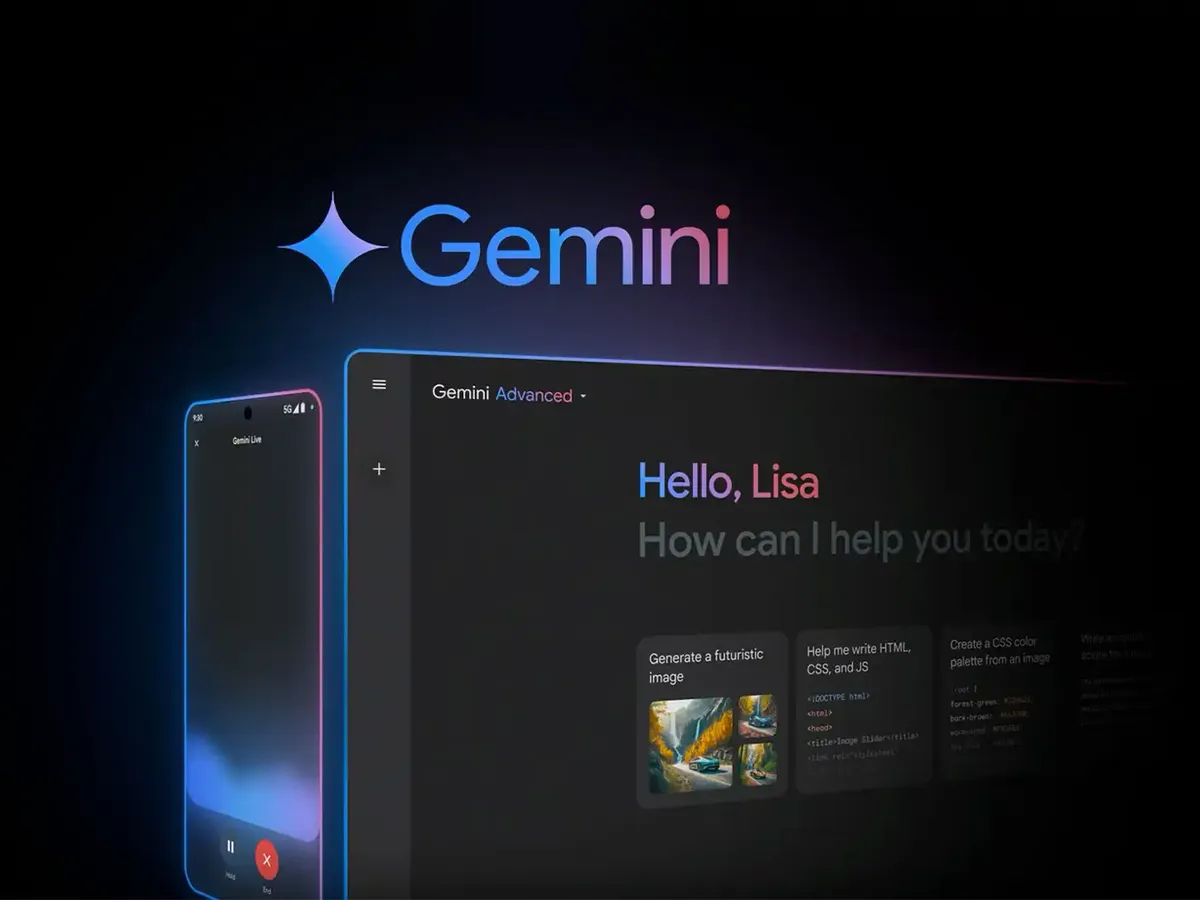
Gemini the app is a separate application available on Android and iOS that gives you direct access to the Gemini model through a chat interface - similar to how you might use ChatGPT through its app. You type or speak questions and it responds. It can answer questions, help write things, analyse photos you share with it, generate images, and assist with a wide variety of tasks.
Beyond the app, Gemini the technology is embedded into a growing range of Google products and Android devices - so it powers features in Gmail, Google Docs, Google Messages, Android's Assistant features, and Google Nest devices, often without being prominently labelled as "Gemini."
Gemini Nano, Pro, Flash, and Ultra - What the Different Versions Mean
Google offers different versions of Gemini at different sizes. The size of an AI model determines how capable it is and how much computing power it needs to run. Larger models are more capable but require more resources - which is why different versions are used in different contexts.
Version | Where It Runs | Used For | Capability Level |
|---|---|---|---|
Gemini Nano | On-device (phone/watch) | Summarisation, smart reply, basic queries | Good for on-device tasks |
Gemini Flash | Cloud (fast) | Most Gemini app queries, real-time tasks | Strong general capability |
Gemini Pro | Cloud | Complex reasoning, longer tasks | Very capable |
Gemini Ultra | Cloud (via Gemini Advanced) | Most demanding tasks, research, coding | Highest capability |
For most people using Gemini on a phone or through the app, the experience is powered by Gemini Flash or Pro in the cloud. Gemini Nano is the version that runs directly on supported Android devices for features that need to work instantly and offline.
Gemini on Android Phones
On Android, Gemini has gradually replaced Google Assistant as the primary AI assistant, though the transition has been gradual and the two still coexist on many devices.
What Gemini does on Android:
Contextual assistance: You can ask Gemini about what's on your screen - a product in a shopping app, text in a document, a location in Maps - and it can answer questions or take actions based on that content. This works across apps, not just within Google's own apps.
Google Messages integration: Gemini is built into Google Messages and can help compose or respond to messages. It can summarise long message threads, suggest responses, and help rephrase things in different tones.
Gmail smart features: On Android, Gmail uses Gemini to power smart reply suggestions, email summarisation, and the Help Me Write feature that drafts email responses based on a brief prompt.
Circle to Search: A feature unique to newer Android phones - you draw a circle around anything on your screen (an image, text, a product in a video) and Gemini searches for information about it instantly without leaving the app you're in.
Pixel-specific features: Google Pixel phones get the deepest Gemini integration. Pixel Call Assist uses Gemini to screen calls, transcribe voicemails, and summarise lengthy calls. Pixel Screenshots uses Gemini to make your screenshots searchable - you can search for what was in a screenshot you took months ago.
Gemini on Google Nest and Smart Home Devices
Google Nest smart displays - the Nest Hub and Nest Hub Max - have integrated Google Assistant for years. Google has been gradually upgrading these to run Gemini, bringing more conversational capability to the home display format.
The practical difference when Gemini replaces Assistant on Nest Hub is in conversational depth. Google Assistant handles commands reliably: "Set a timer for 20 minutes," "Turn off the kitchen lights," "Play jazz." Gemini handles more complex requests: "I have chicken, garlic, and spinach - what can I make for dinner that takes under 30 minutes?" and then follows up with step-by-step instructions adjusted to how many people you're cooking for.
For smart home control - the core reason most people have a Nest Hub - Assistant and Gemini perform similarly. The Gemini upgrade matters most for the conversational and research tasks that go beyond simple commands.
Gemini Advanced - The Paid Tier
Google offers a paid subscription tier called Gemini Advanced, which costs $19.99/month and provides access to Gemini Ultra - Google's most capable model. It also includes a larger context window (meaning you can give it much longer documents to work with), more advanced image generation, and expanded features in Google Workspace apps like Docs, Sheets, and Slides.
For casual use, the free tier of Gemini (powered by Flash/Pro) is capable enough for most tasks. The Advanced tier is genuinely useful for people who work with long documents, need complex analysis, do a lot of coding, or want to use AI heavily within Google Workspace.
Note on Gemini in Workspace: If you use Google Workspace for work (Gmail, Docs, Sheets, Slides, Drive), your organisation may have Gemini for Workspace features enabled separately. The features and availability depend on your organisation's Google Workspace plan.
How Gemini Compares to Other AI Assistants on Devices
Feature | Gemini (Android) | Apple Intelligence (iPhone) | Samsung Galaxy AI |
|---|---|---|---|
On-device processing | Gemini Nano for some features | Most features on-device | Mix of both |
Google services integration | ✅ Native and deep | ⚠️ Limited | ⚠️ Limited |
General AI chat quality | ✅ Strong | ⚠️ Via ChatGPT | ✅ Strong |
Search integration | ✅ Google Search native | ❌ No Google Search | Bing-based |
Real-time translation | ✅ Strong, 100+ languages | ⚠️ Limited | ✅ Strong |
Privacy architecture | ⚠️ Mostly cloud | ✅ On-device first | ⚠️ Mixed |
Image generation | ✅ Imagen model | ✅ On-device | ✅ Cloud-based |
Works on iPhone | ✅ App available | iPhone only | Samsung only |
What Gemini Is Genuinely Good At
Gemini's real strengths become clear when you understand what it was designed around. Google built Gemini as a multimodal model from the start - meaning it was designed to understand text, images, audio, and video simultaneously, rather than text being the primary input with image understanding added later.
Research and factual questions: Gemini has direct access to Google Search, which means when you ask it a factual question, it can search current information rather than relying solely on its training data. For recent events, current prices, and changing information, this gives it a significant advantage over models without live search access.
Working with documents and images: Gemini handles long documents well. You can share a 50-page PDF and ask questions about it. You can share a photo and ask for detailed analysis. The multimodal capability is practical and reliable.
Integration with Google services: If your digital life runs through Gmail, Drive, Calendar, and Docs, Gemini's native integration with those services means it can actually access and act on your real data - not just give generic advice.
Translation: Google Translate has been best-in-class for years, and Gemini builds on that foundation. Real-time translation on Android, particularly in voice conversations, is among the strongest implementations available on a consumer device.
What Gemini Is Less Good At
Honest coverage requires addressing the limitations too.
Privacy: Gemini is cloud-first. Most of its capabilities require sending your data to Google's servers. For users who prioritise keeping their data local, Apple Intelligence's on-device architecture is meaningfully more private. Google does offer privacy controls and a clear data policy, but the fundamental architecture involves cloud processing.
Apple ecosystem integration: The Gemini app runs on iPhone, but it doesn't integrate with iOS, iMessage, Apple Mail, or other Apple apps. It's a standalone chat tool on iOS rather than an integrated assistant. If you're an iPhone user, Apple Intelligence will generally integrate better with your actual device experience.
Consistency: Gemini - like all large language models - can be inconsistent. It sometimes produces confidently stated information that is incorrect. Using it for critical research requires verifying important facts from primary sources.
Frequently Asked Questions
Is Gemini replacing Google Assistant?
Gradually, yes. Google has been transitioning Android devices from Google Assistant to Gemini as the primary AI assistant. As of 2026, most new Android phones come with Gemini as the default assistant. Google Assistant still handles some smart home and device control functions, and the transition is still ongoing for some features and devices.
Is Gemini free to use?
Yes, the base version is free. The Gemini app is free to download and use on Android and iOS, with access to Gemini Flash. Gemini Advanced, which uses Gemini Ultra, costs $19.99/month and includes additional features for Google Workspace.
What is Gemini Nano and which phones have it?
Gemini Nano is the smallest version of Gemini, designed to run directly on a phone's processor without cloud connectivity. It powers on-device features like smart reply suggestions in Messages and call screening. Gemini Nano is available on Google Pixel 8 and later, Samsung Galaxy S24 and later, and other phones using Qualcomm Snapdragon 8 Gen 3 or equivalent hardware.
Does Gemini work on iPhone?
The Gemini app is available on iPhone. However, Gemini does not integrate into iOS the way Apple Intelligence does - it's a standalone app rather than a system-wide feature. You can use it to chat, generate images, and work with documents, but it won't power features across your iPhone's apps and settings.
How does Gemini handle my data and privacy?
By default, Gemini conversations may be reviewed by Google to improve the model, though you can opt out of this in settings. Conversations are stored for up to 18 months by default, and you can delete them manually or set auto-delete intervals. For work or school Workspace accounts, your organisation's data policies apply instead. Gemini Nano, which runs on-device, processes data locally and does not send it to Google's servers.
Google Gemini features and availability change frequently with software updates. This article reflects the state of Gemini across Google's products as of June 2026.