Updated June 2026 · 11-minute read
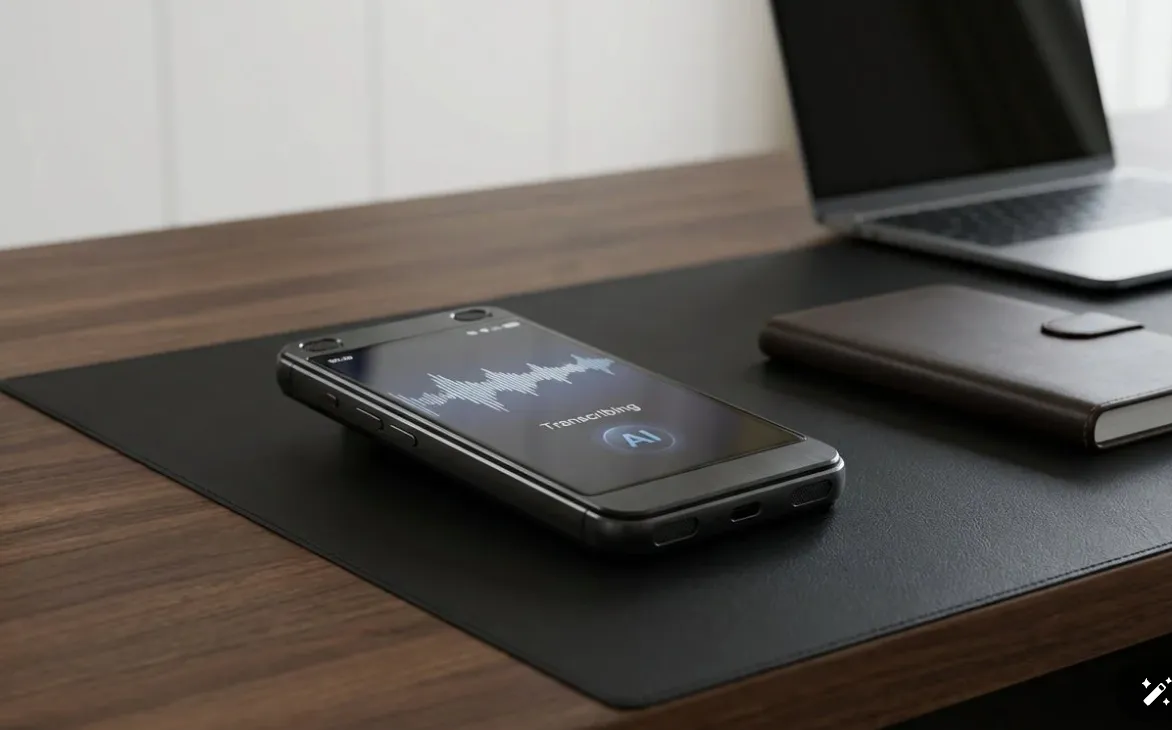
AI voice recorders have become one of the most practically useful gadget categories of 2026. The core promise is simple: stop taking notes during meetings and let the AI handle it. You stay present in the conversation, and afterward you get a full transcript plus an AI summary with action items pulled out automatically.
The category has matured considerably. Hardware devices now offer multi-day battery life and offline storage. Software options have improved accuracy and added useful integrations. The question for most buyers is not whether AI transcription works but which solution fits their specific workflow, budget, and meeting types.
This guide covers the best hardware and software options in 2026, sorted by use case to help you find what fits your situation.
Quick Comparison: Best AI Voice Recorders 2026
Option | Type | Cost | Best For | Works Offline? |
|---|---|---|---|---|
Plaud NotePin | Hardware | $169 + from $8/mo | In-person meetings, calls, travel | Yes |
Limitless Pendant | Hardware | $99 + from $19/mo | All-day ambient capture | Limited |
Fathom | Software | Free | Zoom-heavy individual users | No |
Otter.ai | Software | Free / $17/mo | Teams with real-time transcription | No |
Fireflies.ai | Software | Free / $18/mo | Multi-platform video teams | No |
Best Hardware AI Recorder: Plaud NotePin
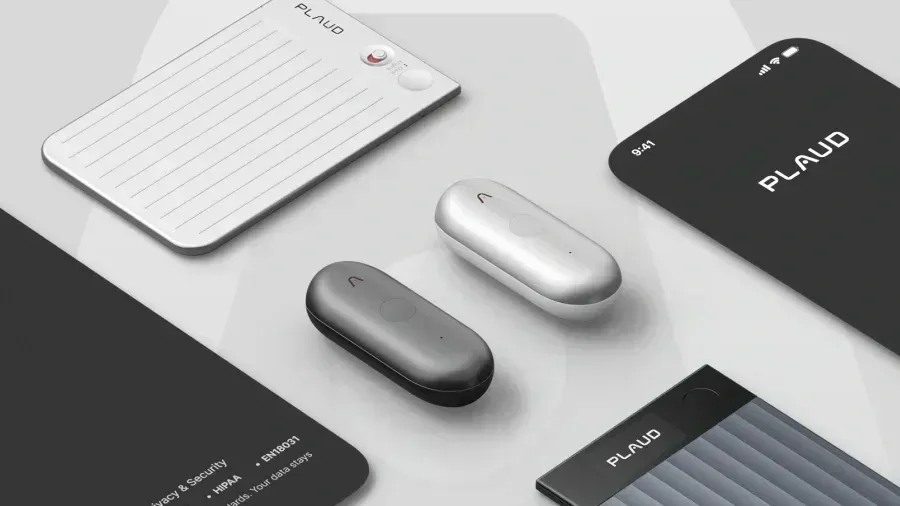
The Plaud NotePin is the best hardware AI recorder for most professionals. It clips to your shirt, records everything for up to 20 hours on a single charge, stores recordings to its own 16GB memory so it works without internet, and syncs transcripts to your phone when back in range.
What distinguishes it from software-only options is its ability to capture in-person meetings, phone calls, and any audio situation where you do not have a laptop open. For consultants, lawyers, salespeople, and field researchers who spend significant time away from a desk, this flexibility is the defining advantage.
The transcription runs in the cloud after sync and produces accurate results in quiet to moderately noisy environments. Speaker diarisation identifies different speakers and assigns them labels in the transcript. AI summaries with action item extraction complete within minutes of uploading.
What we like
20-hour battery, all-day capture
16GB offline storage, no wifi needed
Captures in-person meetings and phone calls
Strong accuracy in good conditions
Speaker diarisation included
What could be better
Subscription needed for unlimited transcription
Accuracy drops in noisy environments
Must manually start recording
Best for All-Day Ambient Capture: Limitless Pendant
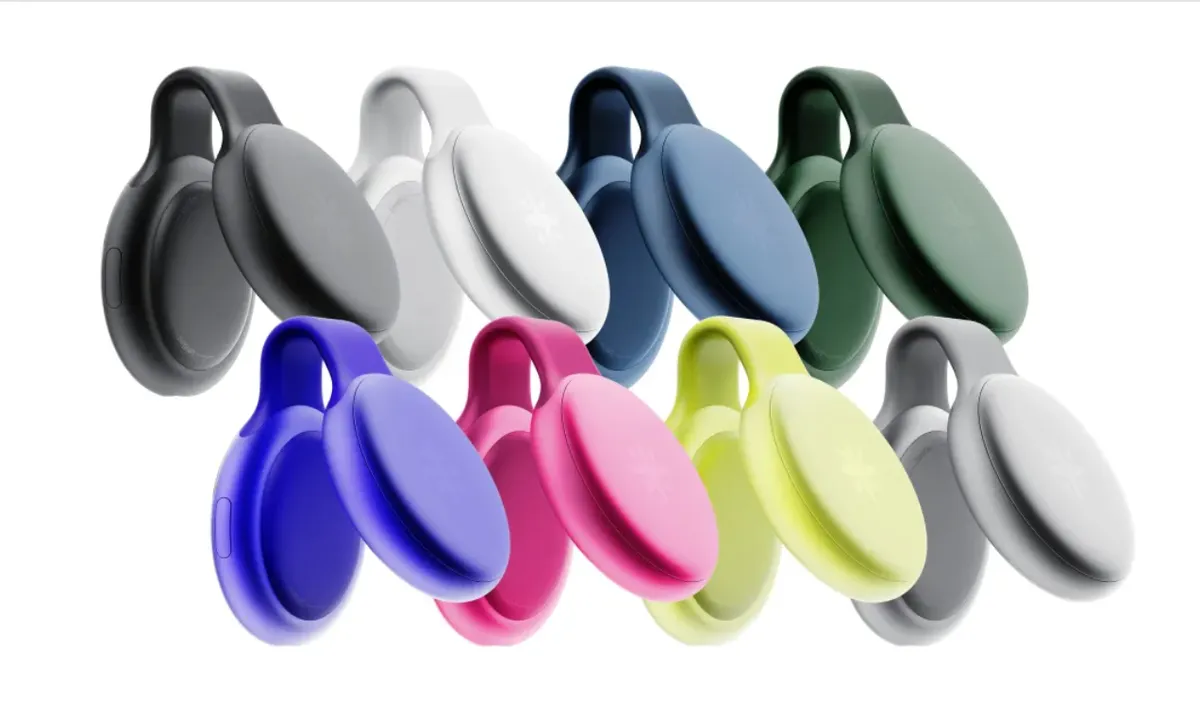
The Limitless Pendant takes a different approach than the NotePin. It hangs around your neck on a small chain or clips to clothing and records ambient audio throughout your day, not just during specific sessions. The idea is a comprehensive memory aid: search across everything you discussed, heard, or were told across a full working day.
The companion AI, called Limitless, draws on these recordings to answer questions ("what did the client say about the budget in the morning call?"), prepare you for upcoming meetings by summarising relevant past conversations, and generate end-of-day summaries of everything that happened.
The trade-off is the subscription cost. At $19 per month for the main plan, Limitless is notably more expensive than NotePin's subscription tier. The hardware at $99 is cheaper, but the total cost of ownership over two years comes to $99 plus $456 in subscriptions, totalling $555. That is significantly more than the NotePin's two-year cost.
Limitless is best for people who genuinely want comprehensive day-long capture and are willing to pay for the AI assistant capabilities that come with it. For people who only need to capture specific planned meetings, NotePin or a free software option is more cost-effective.
What we like
Always-on ambient recording throughout the day
AI memory search across everything recorded
Meeting preparation from past conversation context
$99 hardware is more affordable upfront
What could be better
$19/mo subscription is expensive over time
Consent from others being recorded is important
Privacy implications of all-day recording are significant
Battery needs daily recharging
Best Free Option: Fathom
Fathom is the most compelling free AI meeting recorder in 2026. It joins your Zoom calls as a bot, transcribes in real time, lets you highlight key moments during the call with a single click, and delivers a summary with action items within minutes of the call ending. The unlimited tier is genuinely free for individual users, not a limited trial.
The limitation is platform support. Fathom is built primarily for Zoom, with Microsoft Teams and Google Meet support in an ongoing expansion phase. If Zoom is your primary meeting platform, Fathom is the obvious starting point before considering any paid option.
There is no hardware cost and no subscription. It connects to your Salesforce or HubSpot CRM to push meeting notes automatically if you use those tools. For individual professionals who live in Zoom, it is hard to argue with free.
Best for Teams: Otter.ai
Otter.ai has been the dominant AI transcription tool for video calls for several years and maintains that position in 2026 through strong real-time transcription quality and deep integrations. The Otter bot joins Zoom, Teams, and Google Meet calls, transcribes live so all participants can follow along in real time, and pushes summaries and action items to Slack, Salesforce, and other team tools automatically.
The real-time visible transcription is Otter's genuine differentiator for teams. When everyone in the call can see what is being transcribed as it happens, it benefits participants with hearing difficulties, non-native speakers following a fast conversation, and anyone in a noisy environment who misses words. The collaborative annotation features let multiple team members add notes to the same transcript during the call.
The free tier is limited. Teams using Otter regularly will need the Pro tier at $16.99 per month per user.
How to Choose the Right AI Recorder for Your Situation
Your situation | Best option | Cost |
|---|---|---|
Mostly Zoom calls, solo user | Fathom | Free |
Mix of Zoom and in-person meetings | Plaud NotePin + Fathom | $169 + optional sub |
Team on video calls, need real-time captions | Otter.ai | Free or $17/mo |
Multi-platform video calls, team analytics | Fireflies.ai | Free or $18/mo |
Field work, travel, heavy in-person schedule | Plaud NotePin | $169 + from $8/mo |
All-day ambient capture and AI memory | Limitless Pendant | $99 + $19/mo |
The Privacy Question You Should Consider
Recording meetings involves other people, and their consent matters both legally and ethically. Before deploying any AI recorder in a professional setting, consider how you will handle this.
For video calls, meeting bots like Fathom, Otter, and Fireflies announce their presence in the call and typically include a recording notice in the meeting invitation. Most participants are aware they may be recorded in video meeting contexts.
For in-person meetings with a hardware device like the NotePin, informing participants that you are recording is both good practice and legally required in many jurisdictions. A simple "I record meetings for my notes, is that alright?" before starting is usually sufficient and well-received in most professional contexts.
Legal note: Recording consent laws vary significantly by country and state. In some places, one-party consent applies (you can record conversations you are part of). In others, all parties must consent. Research the rules in your specific location before recording others.
Frequently Asked Questions
Can AI voice recorders transcribe in languages other than English?
Yes, but capability varies. Plaud NotePin supports English, Spanish, French, German, Mandarin, Japanese, Korean, and several others. Otter.ai is primarily English-focused. Fireflies.ai supports over 60 languages. If multilingual transcription is important, Fireflies.ai or a purpose-built multilingual transcription service has the widest coverage.
How accurate is AI transcription in 2026?
In good recording conditions (quiet room, clear speech, microphone within reasonable distance), accuracy rates of 90 to 95 percent are achievable with the best current systems. In challenging conditions (noisy environments, strong accents, multiple overlapping speakers), accuracy drops to 75 to 85 percent. No current system produces a perfect transcript that requires no correction, but the best ones get close enough that a quick review rather than complete retyping is all that is needed.
Will a Plaud NotePin improve my meeting productivity?
This depends entirely on how you currently take notes and what problems you have as a result. If you regularly miss action items, come out of meetings unsure what was decided, or find manual note-taking distracts you from the conversation, an AI recorder addresses these problems directly. If your current note-taking system works well for you, adding an AI recorder adds cost without proportionate benefit.
Do I need a subscription or can I use the hardware alone?
For Plaud NotePin, the free tier provides a limited number of transcription minutes per month, which is enough for light use but not for regular professional use. Limitless requires a subscription for its AI assistant features. Fathom, Otter, and Fireflies all have free tiers that cover basic transcription without payment. If subscription costs are a concern, Fathom's free unlimited plan for Zoom users is the strongest no-cost option available.
Prices and features are correct as of June 2026 and subject to change. Always verify current pricing before purchasing.
Affiliate Disclosure: As an Amazon Associate we earn from qualifying purchases. Links are affiliate links. We earn a commission at no additional cost to you.