
Best AI Gadgets Under $100: 10 Picks Actually Worth It
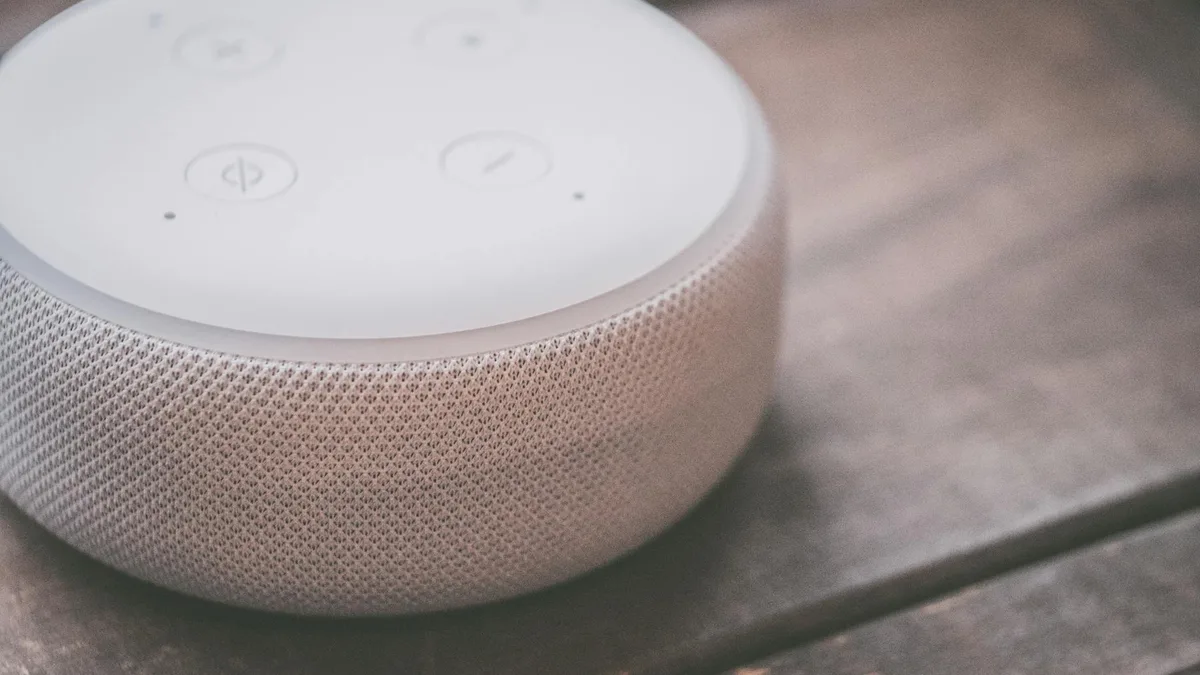
Most AI gadget coverage focuses on products that cost $200, $500, or more. That ignores a significant portion of the market where AI features deliver genuine daily value at prices that require no serious deliberation. A $40 smart speaker with an AI assistant handles hundreds of queries per week for a lot of people. An $80 pair of translation earbuds removes a language barrier a traveler has been navigating for years. These are not novelty purchases.
This guide covers 10 AI gadgets under $100 that have a specific reason to be on this list: they use AI as a primary function, not a marketing label. Each entry includes the actual price, what the AI does in practice, and an honest assessment of who it is worth buying for. Prices reflect typical retail or sale pricing as of April 2026.
Smart Speakers and AI Assistants
1.
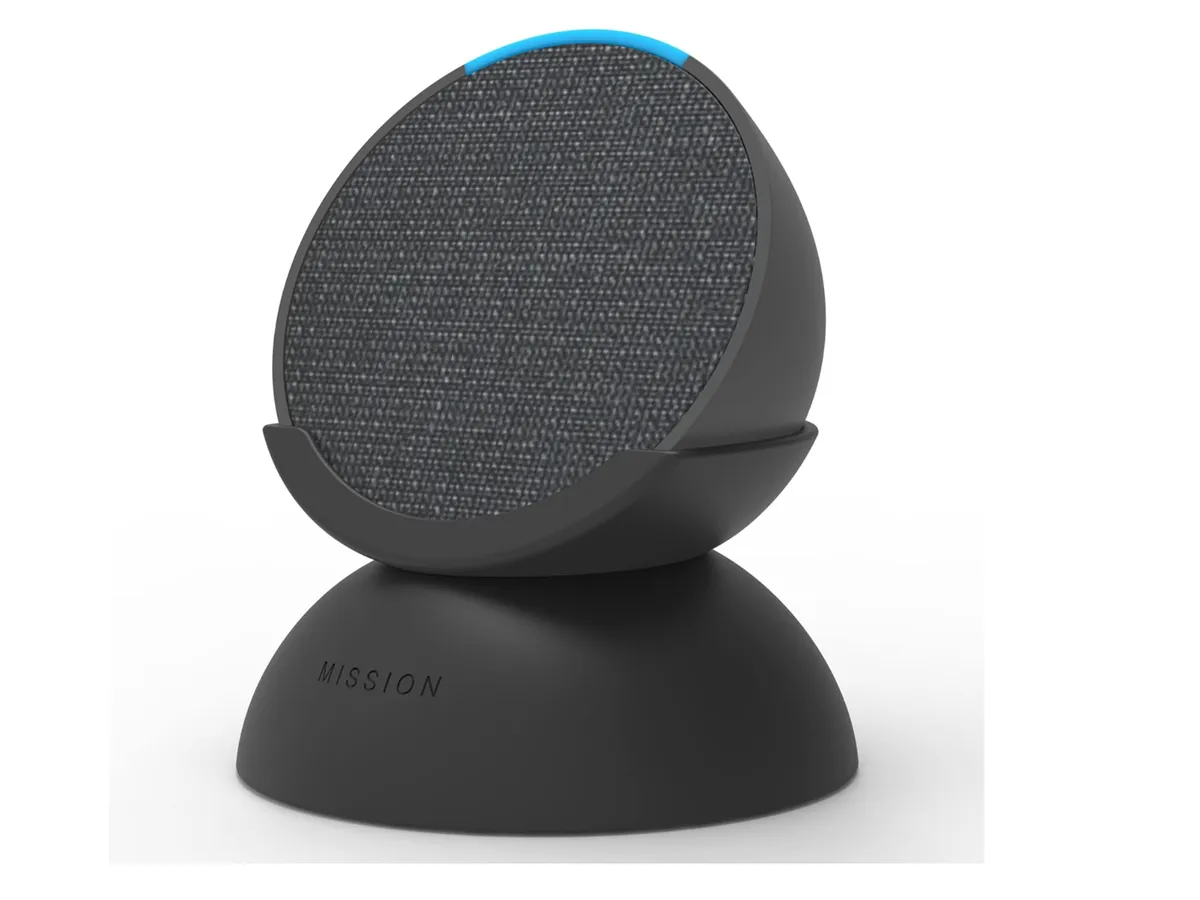
($40): Best Entry-Level AI Speaker
The Echo Pop is Amazon's most affordable Echo with a full Alexa implementation, and at $40 it is the easiest AI assistant to justify in any room of a home. The half-sphere design is compact enough for a nightstand, bathroom shelf, or kitchen counter where a larger speaker would be intrusive. Sound quality is adequate for a kitchen or bedroom but not a substitute for a proper speaker in a living room.
The AI case for the Echo Pop is Alexa's breadth of integrations. It connects to over 100,000 smart home devices, works with Fire TV for voice control, and handles the conversational tasks that a smart speaker actually gets used for daily: timers, shopping lists, reminders, music control, and weather queries. Amazon's investment in Alexa AI over the past two years has improved contextual follow-up questions substantially, meaning you can ask "who wrote that?" after a music answer without restating the subject.
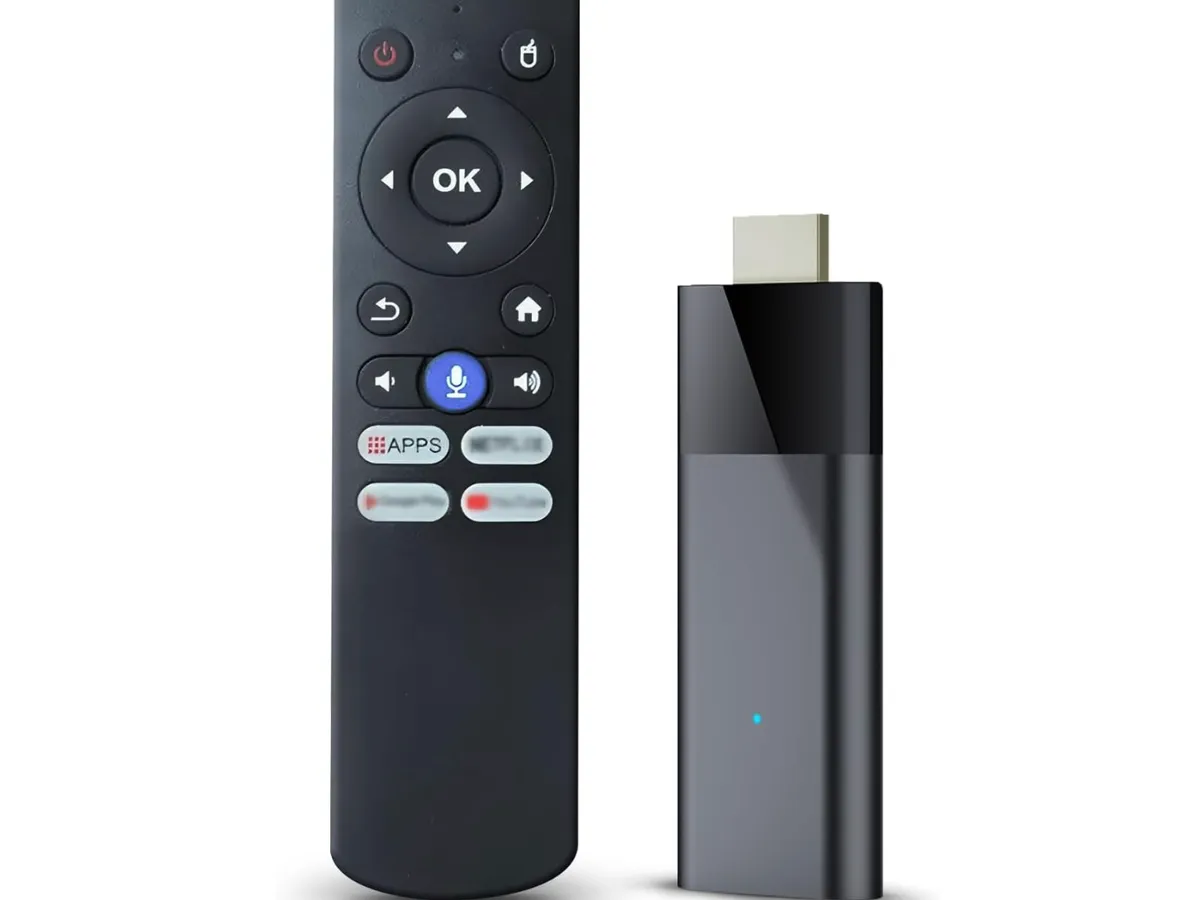
At $40, it is the most replicated gift purchase in smart home because there is no real risk: if it is useful, it earns its place permanently. If it is not used much, $40 is not a painful lesson.
Buy it if: You want a starter AI assistant for any room and want to spend as little as possible. Also the best choice if you want a second or third Echo to build a whole-home Alexa network.
2. Amazon Echo Dot Max ($100): Best Mid-Range Echo
The Echo Dot Max is the high-end version of the compact Echo, adding a display for visual responses, a larger speaker driver for better audio quality, and a clock face for the front of the device. At $100 it is at the ceiling of this guide's price range, but it is the best value for someone who wants an Echo with a display without paying $250 for a full Echo Show.
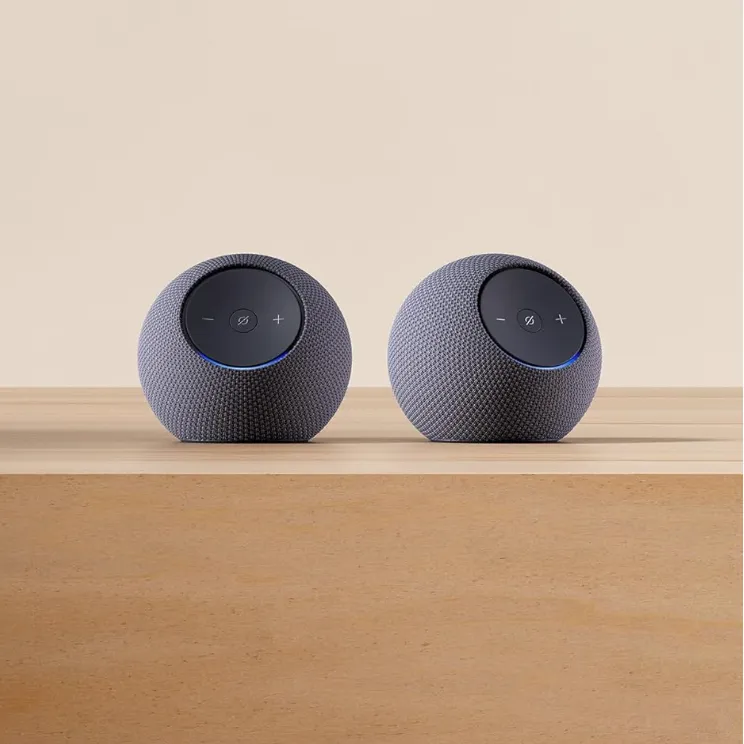
The display matters for certain AI interactions: showing weather forecasts visually, displaying timers, showing music album art, and presenting short answers as text where the spoken response would be too long. Alexa's visual response mode on the Echo Dot Max also integrates with Ring cameras, letting you see a live feed from a doorbell camera on the Echo screen when someone rings. For a home with Ring devices, this is a genuinely useful integration.
Amazon has been rolling out Alexa+ upgrades to Echo devices, bringing more conversational AI capability to existing hardware. The Echo Dot Max is well-positioned to benefit from these updates given its processing capability relative to the entry Echo Pop.
Buy it if: You want an Echo with a visual display and better speaker quality but cannot justify the full Echo Show price. Best placement is a kitchen counter or home office desk where you want glanceable information alongside voice interaction.
3. Google Home Speaker ($100): Best Google Assistant Experience
Google's standard Home Speaker at $100 is the baseline entry into Google's assistant ecosystem, and Google Assistant's information retrieval and conversational AI capability remains stronger than Alexa's for open-ended knowledge queries. The difference is most apparent in follow-up questions, multi-step instructions, and queries that require synthesizing information rather than looking up a fact.
For Android and Pixel phone users, the Google Home Speaker integrates tightly with Google Calendar, Gmail, Google Maps, and the Google One ecosystem. Asking the speaker about your day pulls from your actual calendar. Setting reminders syncs to Google Tasks on your phone. For iPhone users who are deep in the Apple ecosystem, these integrations are less compelling and the Echo ecosystem is probably a better fit.
Google Home also connects to a wide range of smart home devices through Google Home routines. The routine builder has improved substantially and supports multi-step automations triggered by time, location, or voice that previously required a third-party hub.
Buy it if: You are an Android user who uses Google Calendar and Gmail heavily and wants a smart speaker that ties directly into that data. Or you prefer Google Assistant's information quality over Alexa's smart home breadth.
AI Earbuds Under $100
4. EarFun Clip 2 Translation Earbuds ($80): Best Budget Translation Earbuds
Real-time translation earbuds at $80 would have been a category that did not exist three years ago. The EarFun Clip 2 supports real-time translation in conversational use, making it the entry point for the translation earbud use case that $229+ earbuds like the Pixel Buds Pro 2 deliver at a premium.
The Clip 2's translation relies on a connected phone for processing, which means it requires internet connectivity and introduces latency compared to on-device solutions. In practice for common language pairs the latency is acceptable for conversational use: ordering food, asking directions, basic back-and-forth dialogue. It is not the near-simultaneous experience that on-device translation delivers on Pixel Buds Pro 2 or the Bragi Dash Pro, but it is functional translation at $80.
The open-ear clip design is the other feature worth noting. Unlike in-ear earbuds, the Clip 2 rests on the ear without going inside the ear canal, meaning you hear ambient sound naturally. For translation scenarios, this is actually preferable: you can hear the full environment while the translated audio plays alongside it. It is also more comfortable for extended wear, particularly for people who find in-ear fit uncomfortable.
Buy it if: You travel internationally on a tight budget and want functional real-time translation without the premium price of flagship AI earbuds. Also suitable as a first test of translation earbuds before committing to a $229+ pair.
5. Google Pixel Buds 2a ($129, often on sale to sub-$100): Best Value Google Earbuds
The Pixel Buds 2a launched at $99 and are frequently discounted to $79-$89 at major retailers. At under $100, they are the best AI earbud value available: Google Assistant integration, Pixel-class translation features, and the Pixel audio tuning in an earbud that fits comfortably and delivers solid ANC for the price.
At the sale price, the Pixel Buds 2a undercut EarFun Clip 2's translation functionality while delivering significantly better sound quality and more capable AI assistant integration. If you find them at $79-$89, which is common, the value case is difficult to argue against for Android users.
The 2a does not include all the features of the Pixel Buds Pro 2: no in-ear heart rate sensor, no Gemini Nano on-device processing, and ANC performance is good but below the Pro 2. For someone who does not need those specific features, the 2a delivers 80% of the Pixel Buds Pro 2 experience at less than half the price when on sale.
Buy it if: You are an Android user who wants Google Assistant earbuds and are willing to monitor for the frequent sale pricing. At $79-$99, this is the strongest value in AI earbuds on this entire list.
AI Home Security
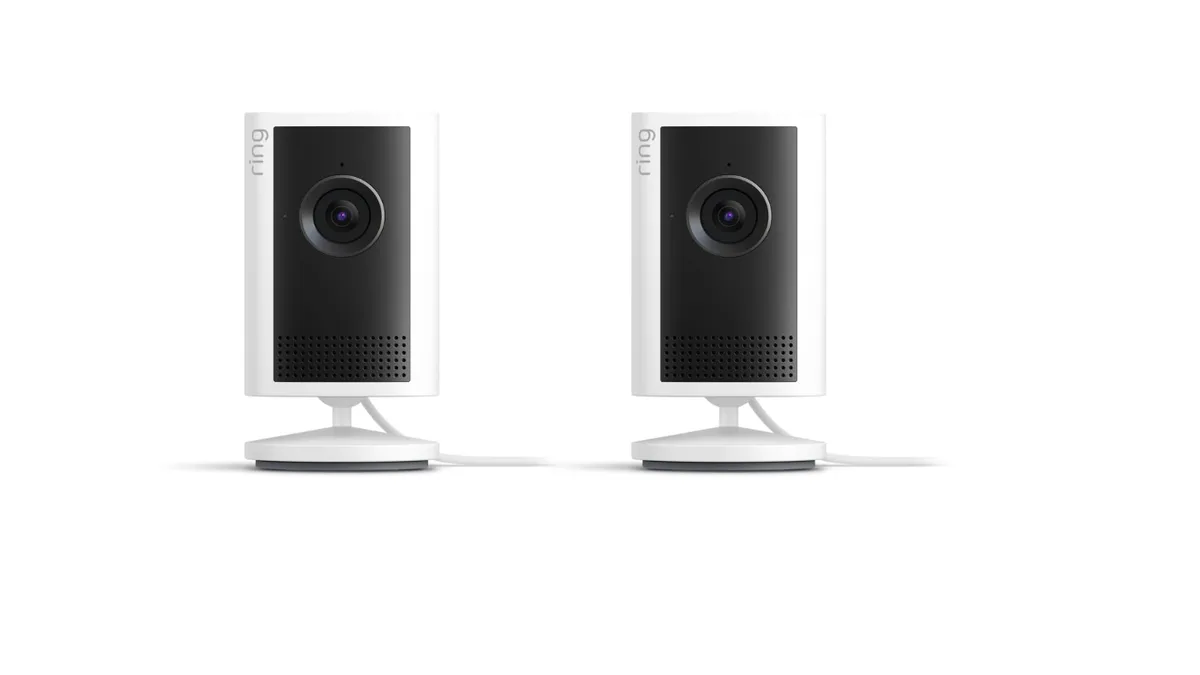
6. Ring Indoor Cam ($60): Best Budget AI Security Camera
The Ring Indoor Cam is the simplest entry into AI-powered home security. At $60 it is a 1080p indoor camera with motion detection, two-way audio, and Ring's AI-powered person detection that distinguishes people from pets, shadows, and other motion sources to reduce false alerts.
Person detection is the AI feature that matters most in a security camera. Without it, motion-triggered cameras generate enough false alerts from passing headlights, curtain movement, and pets that most people turn alerts off entirely, defeating the purpose. Ring's person detection on the Indoor Cam is accurate enough that alerts become actionable rather than noise. The camera also integrates with Alexa, allowing you to say "show me the living room camera" on any Echo device with a display.
Ring Protect subscription is $4.99/month per camera or $10/month for unlimited cameras, which is required for video recording and history. Factor this in: the $60 camera becomes $60 plus $60/year if you want recordings rather than live view only.
Buy it if: You want basic indoor AI security camera coverage for an apartment, a room you want to monitor for package delivery visibility, or as a pet camera with person detection to tell when someone arrives home. The Echo ecosystem integration makes it the natural choice for existing Alexa users.
AI-Powered Streaming
7. Amazon Fire TV Stick 4K Max ($60): Best AI TV Interface
The Fire TV Stick 4K Max is the most capable streaming stick in Amazon's lineup, and at $60 it turns any HDMI TV into an AI-enhanced interface. The AI angle here is Alexa's voice control, which has genuinely useful TV-specific capabilities: asking "what should I watch tonight?" pulls from your watch history and subscription libraries to make recommendations. Asking "show me comedies from the 90s" searches across Netflix, Prime Video, Disney+, and other connected services simultaneously.
The 4K Max's faster processor handles the AI search and recommendation layer more responsively than the standard 4K Stick. The ambient mode that displays artwork and information when the TV is idle has improved its content recommendations over previous generations. At $60, it is the most used AI gadget in many households because it is the device people interact with when they sit down in front of their TV, which for most people is hours per day.
Buy it if: You have a non-smart TV or a smart TV with a poor interface and want to replace it with a faster, Alexa-integrated experience. Also the right choice if you have a Fire TV device older than 2022 and want the improved processing speed for voice search response.
AI Smart Home Automation
8. Smart Plugs ($15-25 each): The Most Underrated AI Gadget
A smart plug converts any outlet into an AI-controllable power switch. At $15-25 each, they are the cheapest entry into smart home automation that works with both Alexa and Google Home. The AI case: once connected, any appliance plugged into a smart plug can be controlled by voice command or included in automated routines.
Practical applications that get used daily rather than tried once and abandoned:
Coffee maker starts 15 minutes before your alarm via a routine tied to your phone alarm
Lamps turn on at sunset automatically via Google Home or Alexa routines
Floor fan turns off after 60 minutes at bedtime via voice command
Energy monitoring plugs (TP-Link Kasa EM300) track power consumption of individual appliances
The Kasa Smart Plug ($15, TP-Link) and Amazon Basic Smart Plug ($25) are the two most reliable options at this price range. Both work natively with Alexa and Google Home without requiring a hub. At $15-25, adding three or four smart plugs throughout a home costs less than one premium smart bulb kit and provides more flexible automation.
Buy it if: You already have an Alexa or Google Home device and want to extend automation to non-smart appliances without replacing them. The best first smart home purchase after the speaker itself.
9. AI Smart Bulbs ($10-15 each): Voice-Controlled Lighting
Smart bulbs in 2026 fall into two tiers: Wi-Fi bulbs that connect directly to your network and work with Alexa and Google Home without a hub, and Zigbee bulbs that require a hub but offer better range, reliability, and response time. At $10-15 per bulb, Wi-Fi smart bulbs are the budget entry point.
Govee and Wyze both sell Wi-Fi RGBW bulbs at $10-15 each that support Alexa and Google Home voice control, schedule-based automation, and color temperature adjustment from warm white (2700K) to daylight (6500K). The AI integration means routines like "good morning" can gradually increase brightness over 30 minutes to simulate sunrise, while "goodnight" dims and changes color temperature to a warmer, sleep-friendly tone.
The limitation at this price is reliability: cheap Wi-Fi bulbs occasionally drop off the network and require power cycling. The $10-15 tier is suitable for occasional-use rooms or for people who want to test smart lighting before investing in a more robust system. For a bedroom or primary living space where consistent behavior matters, the step up to $20-25 per bulb for TP-Link Kasa or Philips Hue White Ambiance is worth it.
Buy it if: You want to try voice-controlled lighting at minimal cost, or you want to add smart lighting to less-critical rooms like a garage, closet, or guest room where occasional dropouts are acceptable.
Budget AI Audio
10. Amazon Echo Dot (5th Gen, $50): Best All-Around Value in AI Speakers
The Echo Dot 5th generation at $50 sits between the Echo Pop and Echo Dot Max in capability and price. It improves on the Echo Pop with a larger speaker driver that is meaningfully better for music in medium-sized rooms, while the spherical design fits cleanly in any room. It lacks the display of the Echo Dot Max but includes the temperature sensor that the Pop does not, letting it serve as a smart thermostat input for Alexa routines.
The built-in temperature sensor allows routines like "if temperature in the bedroom exceeds 75 degrees, turn on the smart fan plug" without a separate sensor. This is a small but genuinely useful addition that turns the Echo Dot into a light environmental monitoring device in addition to an AI assistant.
Alexa's ability to play music from Spotify, Amazon Music, Apple Music, and other services via voice makes the Echo Dot the most convenient music controller in rooms where opening a phone app is friction. "Alexa, play jazz in the kitchen" with no phone unlocking or app opening is a quality-of-life improvement that is hard to un-have once you've had it.
Buy it if: The Echo Pop is not quite enough speaker quality and you don't need or want a display. The $50 Echo Dot 5th Gen is the most balanced Echo for general household use and the version most people should buy as a first Echo.
Full Comparison Table
Product | Price | Category | AI Feature | Best For |
|---|---|---|---|---|
Amazon Echo Pop | $40 | Smart Speaker | Alexa AI assistant | Budget Alexa entry, secondary rooms |
Amazon Echo Dot 5th Gen | $50 | Smart Speaker | Alexa + temperature sensor routines | Best all-around Echo value |
Amazon Echo Dot Max | $100 | Smart Speaker + Display | Alexa with visual responses | Kitchen/desk Echo with display |
Google Home Speaker | $100 | Smart Speaker | Google Assistant, deep Google integration | Android/Google ecosystem users |
EarFun Clip 2 | $80 | AI Earbuds | Real-time translation, open-ear | Budget translation earbuds |
Google Pixel Buds 2a | $99 (often $79-89 on sale) | AI Earbuds | Google Assistant, Pixel translation | Best value Android earbuds |
Ring Indoor Cam | $60 | Security Camera | AI person detection, Alexa integration | Indoor AI security on a budget |
Fire TV Stick 4K Max | $60 | Streaming Device | Alexa voice search, AI recommendations | AI-enhanced TV interface |
Smart Plugs (TP-Link Kasa) | $15-25 | Smart Home | Voice control + automation routines | Most versatile per-dollar smart home device |
Smart Bulbs (Govee/Wyze) | $10-15 | Smart Home | Voice control + circadian routines | Voice lighting entry point |
How to Build a Smart Home Under $100
If you are starting from scratch and want the best AI smart home setup for $100 or less, here is how to allocate the budget:
Option A (Alexa-first, $90 total): Echo Pop ($40) + Ring Indoor Cam ($60) is slightly over, but the Echo Pop plus two Kasa smart plugs ($15 each) totals $70 and gives you voice assistant control in a room and automation for two appliances.
Option B (Maximum AI capability at $100): Echo Dot Max ($100) gives you a display-equipped Alexa speaker that handles visual responses, Alexa routines, and Ring camera display if you add one later.
Option C (Google ecosystem, $100): Google Home Speaker ($100) gives you Google Assistant's superior information retrieval and full integration with Android phone and Google account data.
For most people who do not have any smart home devices, the Echo Dot 5th Gen at $50 plus two Kasa smart plugs at $30 total is the best $80 start: an AI assistant that learns your routine and two appliances you can automate from day one.
Frequently Asked Questions
Do smart speakers actually use AI or is it just marketing?
The AI in smart speakers is real but limited in specific ways. Natural language understanding, contextual follow-up questions, and cross-service search are genuine AI capabilities. The conversational depth of Alexa and Google Assistant has improved significantly since 2023 with large language model updates. What they cannot do: extended multi-turn reasoning, creative tasks, or the kind of complex query handling that a ChatGPT or Claude interface provides. For the tasks people actually use smart speakers for daily (timers, music, shopping lists, smart home control), the AI is functional and useful.
Is the Ring Indoor Cam worth the subscription?
Without the Ring Protect subscription ($4.99/month per camera), the Ring Indoor Cam shows live view only with no video history. For many indoor use cases (baby monitor, pet camera, checking if the front door is locked), live view is sufficient and the subscription is optional. For security use where you want recorded evidence of events, the subscription is necessary. Decide before buying whether you need recording or just live view.
Do the EarFun Clip 2 work without a phone for translation?
No. The EarFun Clip 2's translation feature requires a connected phone with internet access, as translation processing happens in the cloud via a companion app. On-device offline translation requires higher-end hardware like Pixel Buds Pro 2 or Bragi Dash Pro. For budget travel translation earbuds, the phone dependency is the primary trade-off for the lower price.
Are smart plugs compatible with both Alexa and Google Home?
Most major smart plug brands (TP-Link Kasa, Govee, Amazon, IKEA) support both Alexa and Google Home through their respective integrations. Check the product listing for "Works with Alexa" and "Works with Google Home" badges before buying. Zigbee and Z-Wave smart plugs may require a hub that is specific to one ecosystem. Wi-Fi smart plugs at $15-25 are the most universally compatible option at this price range.
What is the cheapest way to get AI home automation started?
A $40 Echo Pop plus one $15 Kasa smart plug gives you an AI assistant and one controllable outlet for $55. This is the lowest-cost entry into functional AI home automation. You can ask Alexa to control the plug by voice, set schedules through the Alexa app, and add devices incrementally as your budget allows. Everything on this list integrates with that same Echo Pop, so the initial $55 investment supports the entire ecosystem as you expand.