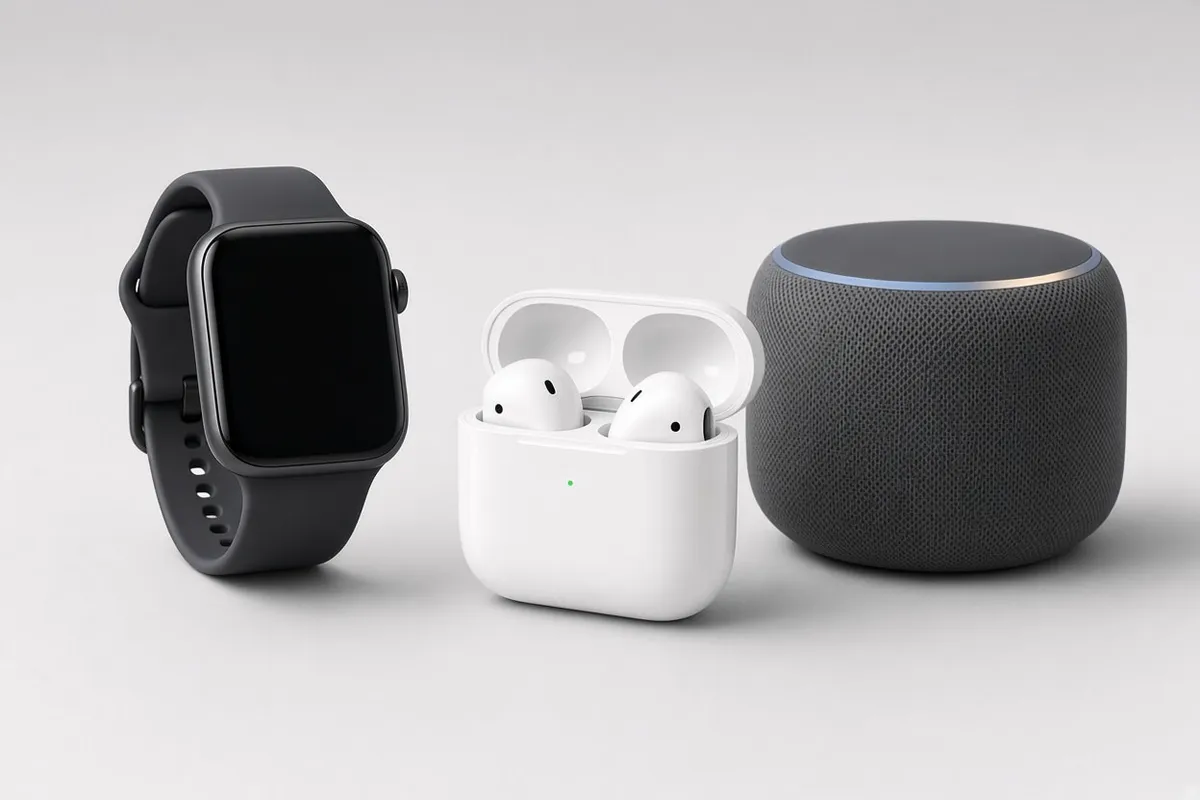
The best tech for an older parent or grandparent is the kind they forget is there. It watches for falls, boosts quiet voices and answers a spoken question, without a manual or a menu.
This guide covers what actually helps, how fall detection and hearing-assist earbuds work, how to choose and set them up, and how to avoid the scams that target older users.
Which AI Gadgets Help Seniors Most?
Start with the problem, not the product. These four categories solve the most common ones, and one well-chosen device beats a drawer full of gadgets.
Gadget type | Helps with | Watch out for |
|---|---|---|
Smartwatch with fall detection | Falls and emergencies | Daily charging |
Hearing-assist earbuds | Mild to moderate hearing loss | Not for severe loss |
Voice assistant or smart display | Reminders, calls and questions | Always-on microphones |
Video doorbell or camera | Visitors and deliveries | Consent and privacy |
The first two solve the problems families worry about most, so the next two sections look at each in detail.
How Does Fall Detection Work on a Watch?
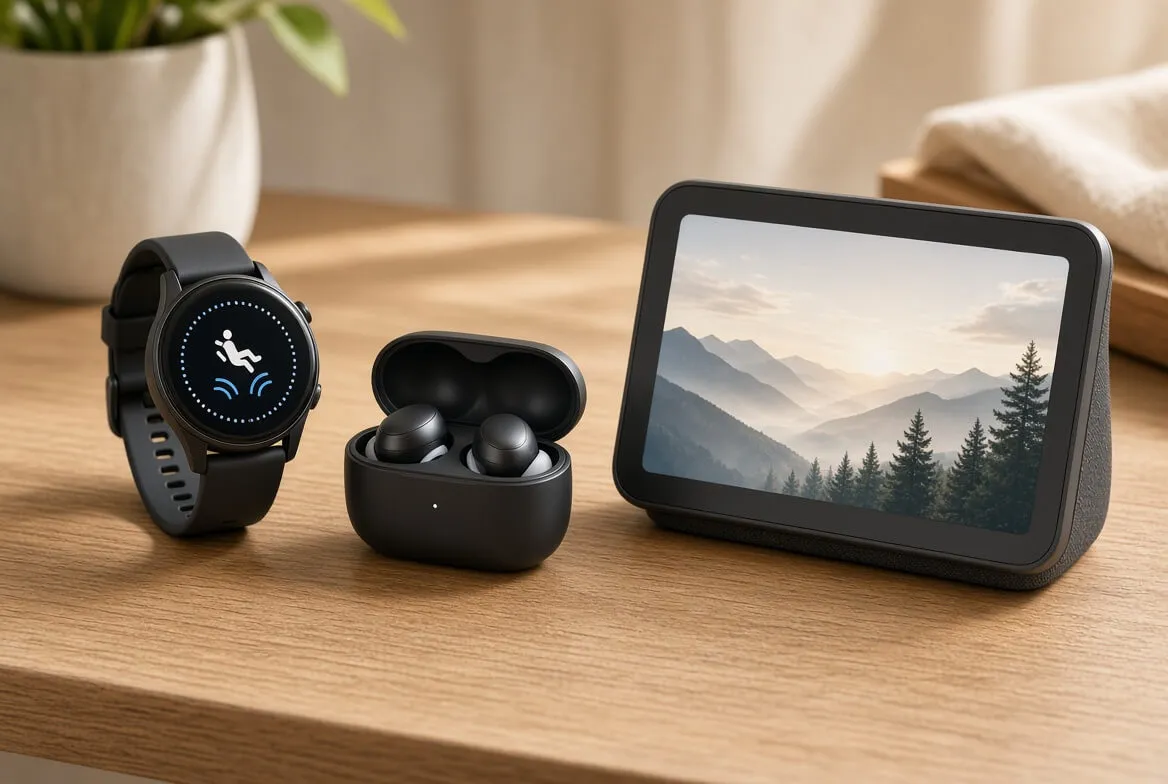
A watch senses a hard fall through its motion sensors. On the Apple Watch, a detected fall triggers a wrist tap, an alarm and an on-screen alert. The wearer can call for help or tap "I'm OK".
If the person stays immobile for about a minute, the watch starts a 30-second countdown with a louder alert. When it ends, the watch calls emergency services and messages the emergency contacts, sharing the person's location.
Apple turns fall detection on by default when the age entered is 55 or older. It is not perfect. Apple says the watch cannot detect every fall, so treat it as one layer of safety, not the only one.
Can Earbuds Replace Hearing Aids?
For some people, yes. The FDA authorized the AirPods Pro 2 hearing feature as the first over-the-counter hearing aid software. It is meant for adults with mild to moderate hearing loss, and the FDA reviewed a clinical study of 118 people.
The user takes a short hearing test, the earbuds build a personal profile, and the sound is boosted to match. For severe loss or ear pain, see an audiologist first.
What Makes a Gadget Easy for Seniors?
Voice first. Speaking is easier than tapping small icons, which is why a smart display often beats a phone app for video calls.
Large text and clear buttons. Check the display in a store if possible.
Few steps. If a task takes more than three taps, it will not get used.
No surprise fees. Look for required subscriptions before buying. See Are AI Gadgets Worth It? for the real costs.
Easy support. A clear return window and a phone number matter more than extra features.
How Should Families Set It Up?
Pick one problem. Falls, hearing or reminders, not all three at once.
Set it up together. Do it in person, not over the phone.
Add emergency contacts. Test that alerts reach the right people.
Practice for a week. Repeat the two or three tasks that matter.
Check in monthly. Look at battery, updates and whether it is still used.
How Do You Protect Seniors From Scams and Privacy Risks?
Smart devices add risk when they are set up carelessly. In 2024, adults in their 60s reported $1.18 billion in fraud losses to the FTC, the highest of any age group. Fake voices are easier to create with AI tools, which makes scam calls more convincing.
Agree on a family code word. Use it to confirm any urgent request for money.
Turn off what is not needed. Disable purchasing and unused features on voice assistants.
Ask before you install. A microphone or camera in someone's home needs their consent.
Review privacy settings together. The AI gadget privacy guide shows what each brand stores.
Conclusion
The best AI gadgets for seniors are simple, voice-led and focused on one job. A watch with fall detection and hearing-assist earbuds help the most. Scam protection and consent matter just as much as the hardware.
Start with a single device that fixes one real problem, set it up in person and review it after a month. If it is not being used, return it and try another approach.
FAQs:
Q1: What is the best first AI gadget for an older parent?
A: A smartwatch with fall detection or a voice speaker is usually easiest. Choose based on whether safety or daily help matters more.
Q2: Do seniors need a smartphone to use these?
A: Often yes. Watches and earbuds usually pair with a phone, so check compatibility before buying, and pick standalone options if needed.
Q3: Is it okay to put a camera in a parent's home?
A: Only with their clear consent. Agree on where cameras go, who can view them, and keep them out of bedrooms and bathrooms.
Q4: How often should we review the setup?
A: Check monthly at first, then every few months. Look at battery, updates, emergency contacts and whether the device is still helping.