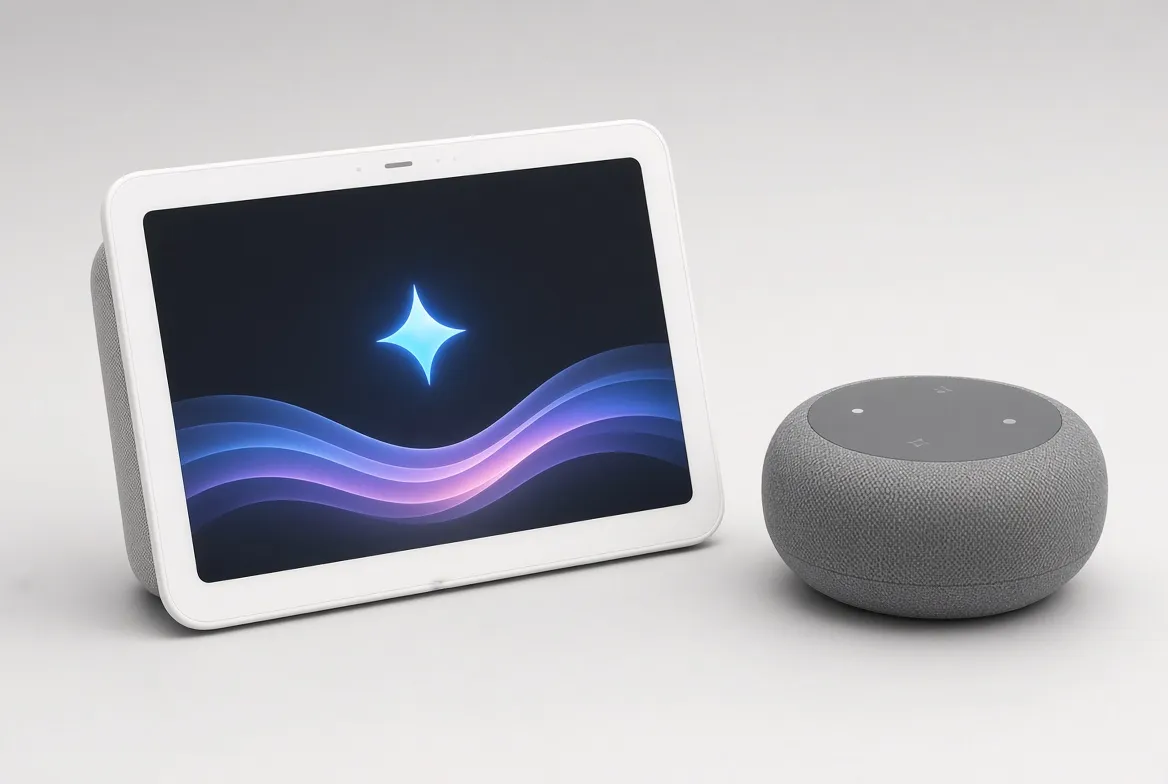
The Google Nest Hub with Gemini AI is a real upgrade. You can talk to it like a person, and it gives you smarter camera alerts. But here is the catch. The best parts need a paid subscription.
Gemini started rolling out to Nest displays in early 2026. It replaced the old Google Assistant as the default brain. Here is what actually changed, what still costs extra, and whether it is worth buying.
Nest Hub Gemini Specs at a Glance:
Spec | Detail |
|---|---|
Price (Nest Hub Max) | $229.99 to $249.99 |
Price (Nest Hub, 3rd gen) | $99.99, no camera |
Chip | Tensor G4, runs Gemini on the device for common commands |
Free AI features | Conversation with follow-ups, Ask Home automations |
Paid AI features | Gemini Live, AI camera descriptions, daily Home Brief |
Subscription | Google Home Premium, about $10 a month |
Sleep sensing | Soli radar (Nest Hub only, no wearable needed) |
Smart home hub | Built-in Thread border router, works with Matter |
What Does Gemini Actually Change?
Google Assistant used to work one step at a time. You gave one command. You got one answer. Then you had to say the wake word again for the next question.
Gemini for Home changes this. Google started rolling it out in March 2026. Now you can ask a follow-up question without saying "Hey Google" again. It remembers what you were just talking about. So "what's a good Italian place nearby?" followed by "does it take reservations?" actually works, in one flowing chat.
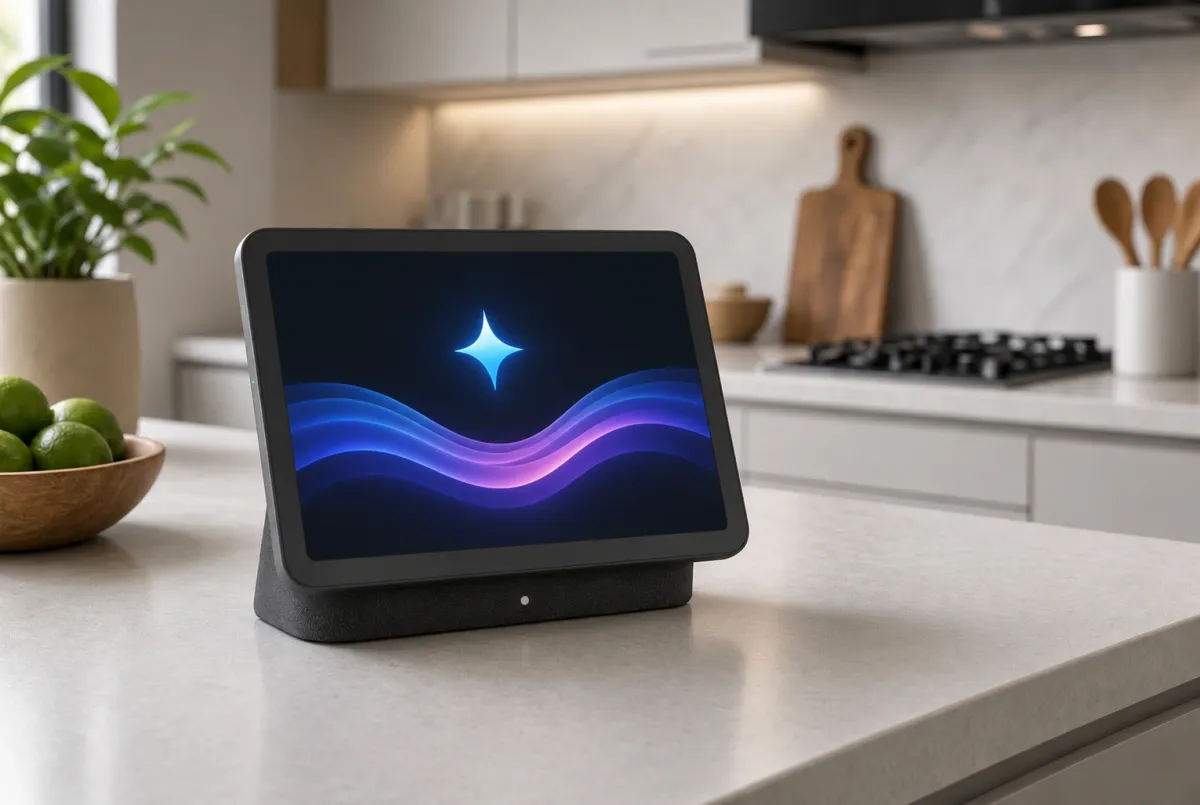
The Nest Hub Max runs on a Tensor G4 chip. This chip handles common commands right on the device, instead of sending them to the cloud and waiting. That means near-instant answers for things like timers, weather, and simple smart home controls. Harder questions still go to Google's servers.
Gemini Live: The Feature Behind the Paywall:
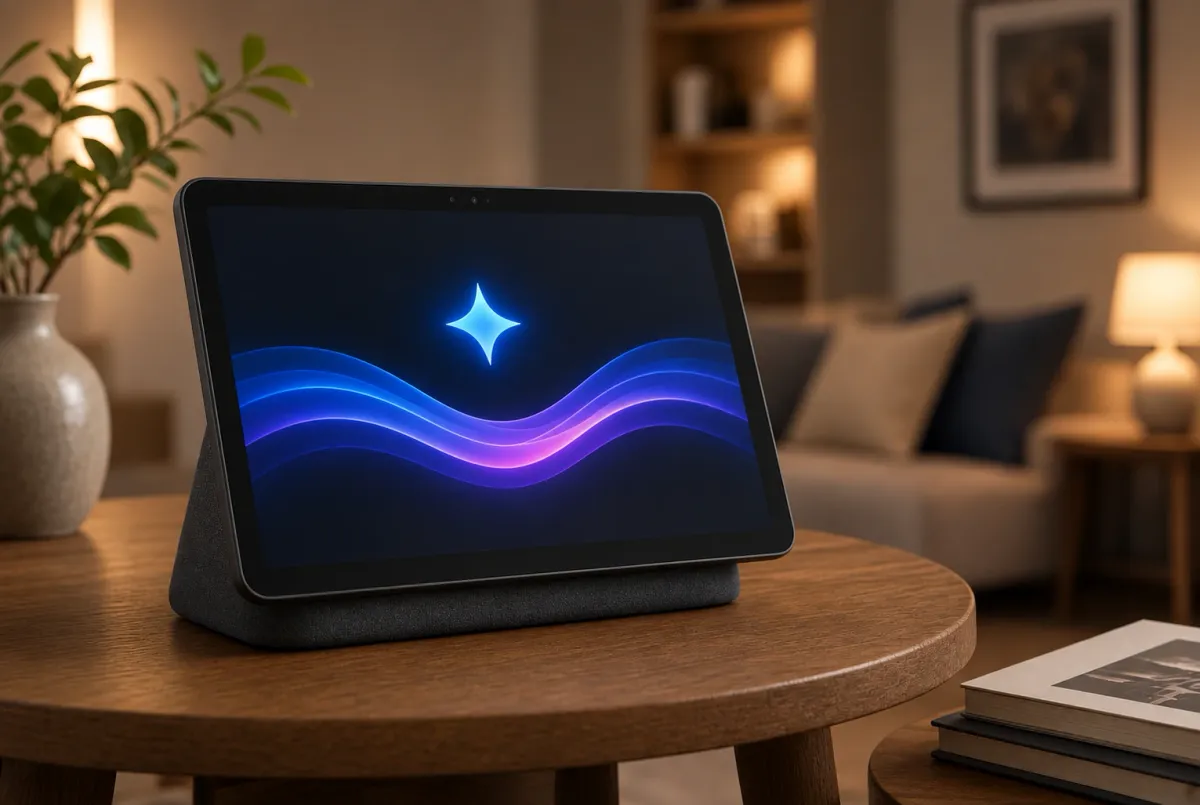
The biggest new feature is called Gemini Live. It lets you have an open, back-and-forth conversation. You can brainstorm, ask general questions, or just talk it through, instead of giving single commands.
It is genuinely impressive. But it also shows Google's new pricing reality clearly. Gemini Live on a Nest display needs a Google Home Premium subscription. That costs about $10 a month. Or you can get it through a Google AI Pro or Ultra plan.
This is a real shift from how these devices used to work. Basic Gemini conversation is free. But the deeper, more natural experience, the part that makes the upgrade feel exciting, now costs money every month on top of the hardware price.
Smarter Cameras, If You Pay for Advanced:
Do you own a Nest camera or doorbell? Gemini adds AI descriptions. Instead of a bare "motion detected" alert, it tells you what actually happened in the clip, in plain sentences.
There is also a daily Home Brief. It sums up everything your cameras saw that day.
These features are genuinely useful. But the catch is the same one. They need the Advanced tier of Google Home Premium. The free plan does not include them.
Nest Hub vs Nest Hub Max: Which One Has Gemini?
Both do. But they are different devices, and the difference matters.
The smaller Nest Hub (3rd gen) costs $99.99. It has no camera, so it skips video calling and the camera AI features. But it adds something the Max does not have: Soli radar sleep tracking. This gives you nightly sleep insights with no wearable and no camera in your bedroom, a genuinely private way to track sleep.
The Nest Hub Max costs more. It adds a camera, so it is the pick if you want video calling and Gemini's camera-aware features.
Both models include a Thread border router. This quietly strengthens your Matter smart home network just by being plugged in, whether or not you use any AI features at all.
Is It Worth Buying?
At the base price, you get a real upgrade over the old Google Assistant. Responses to simple commands are faster. Follow-up questions actually work now. That alone makes it worth owning if you already have a Google-based smart home.
Is the extra $10 a month worth it? That depends entirely on how much you would actually use Gemini Live and the camera summaries. If you already pay for Google Home Premium for other reasons, this adds real value on top. If you are only on the free tier, you still get a solid smart display with a smarter assistant, just not the full Gemini experience Google shows off in its demos.
Conclusion:
The Nest Hub's Gemini upgrade is real. It is not just a rebrand. On-device processing makes everyday commands faster. Conversations that hold context are the biggest quality-of-life change these devices have had in years.
But Google has drawn a clear line between what is free and what costs extra. And the most exciting feature, Gemini Live, sits on the paid side of that line. Buy it for the hardware and the free improvements. Treat the subscription as optional, not something you need to enjoy the device.
(FAQs):
Q1: Do I need to pay extra to use Gemini on my Nest Hub?
A: No. Basic Gemini conversation and Ask Home automations are free. Gemini Live and the AI camera features need a Google Home Premium subscription, about $10 a month.
Q2: Does the Nest Hub process Gemini on the device or in the cloud?
A: Both. The Tensor G4 chip in the Nest Hub Max handles common commands on the device for speed. Harder requests go to Google's servers.
Q3: Which Nest Hub should I buy for Gemini features?
A: Pick the Nest Hub Max if you want video calling and AI camera summaries. Pick the smaller Nest Hub (3rd gen) if you want radar-based sleep tracking with no camera in the room, at a lower price.
Q4: Can older Nest devices get Gemini through a software update?
A: Yes. Gemini for Home is rolling out through early access to existing eligible devices, the Nest Hub, Nest Hub Max, Nest Audio, and Nest Mini, not just new purchases.