Best Smart Home Devices for Beginners: Where to Start in 2026
The smart home category has a history of frustrating beginners. Incompatible devices, complex setup requirements, subscription fees, and products that stopped working when their company folded created a generation of skeptics. In 2026 the situation is meaningfully better. Standards have consolidated, prices have come down, and the category's best entry points are genuinely easy to set up and use.
This guide is for people who have not yet started and want to do it right. It covers the devices worth buying first, what to avoid until you have the basics working, and how to expand your setup without creating a mess of competing apps and incompatible hardware.
Start Here: The Smart Speaker
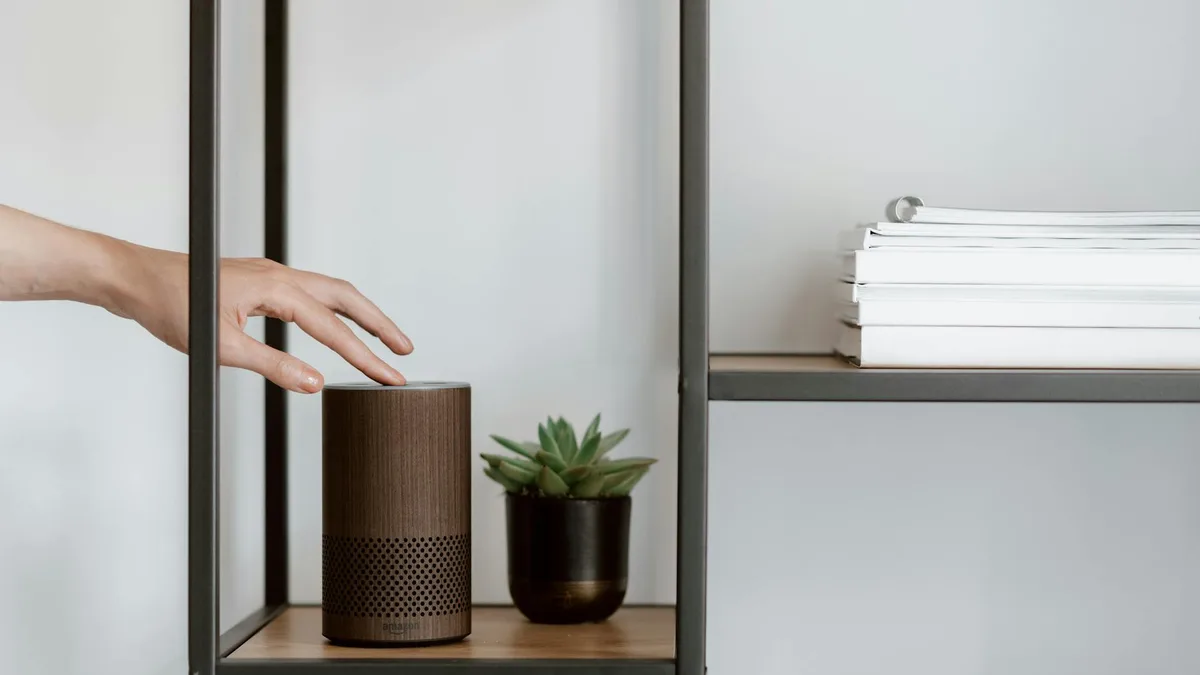
Every successful smart home setup starts with a voice-controlled hub, and for most beginners the right starting point is a smart speaker. The speaker becomes the control layer for your other devices - you can use it to turn lights on and off, set timers, check the weather, add items to a shopping list, and control anything else you add later.
The best entry-level smart speaker in 2026 is the Amazon Echo Dot at $50. It is the most widely compatible device in the smart home ecosystem, it supports Matter and Zigbee (more on those below), the setup takes about five minutes, and the sound quality is adequate for a room. The fifth-generation Echo Dot was already a solid product; the current generation improves on it.
If sound quality matters to you and $50 is too low for acceptable audio, step up to the Echo Dot Max at $100. It delivers three times the bass of the standard Echo Dot according to Amazon's own comparison - which is a way of saying it sounds substantially better in a living room or kitchen than the entry-level version. For a bedroom or small office the standard Dot is fine. For anywhere you actually listen to music, the Max is worth the extra $50.
The Echo Pop at $40 is the cheapest option in the lineup. It sounds fine for voice interaction and basic audio, but the compact half-sphere design limits bass response. If your primary use case is asking questions and controlling devices rather than music playback, the Pop is a reasonable starting point and keeps your initial investment low.
What About Google?
Google has entered the smart speaker space with the new Google Home Speaker at $100, released in Spring 2026. It is Gemini-native, delivers 360-degree audio, has a physical microphone mute toggle, and comes in four colors with a 3D-knit fabric exterior. If you are already in the Google ecosystem - using Google Calendar, Gmail, and Android - the Google Home Speaker's Gemini integration offers a more cohesive AI assistant experience than Alexa. The physical mic mute toggle is a hardware privacy feature that privacy-conscious users will appreciate.
The practical consideration is ecosystem fit. Amazon's Echo devices work well with a broader range of third-party smart home devices out of the box. Google's ecosystem has improved, but if you are starting from zero and have no existing smart home devices or platform preference, Echo has a slight edge on compatibility breadth. If you are an Android or Google Workspace user who wants tight integration, the Google Home Speaker at $100 is a strong alternative.
Add Smart Bulbs Next
Smart bulbs are the fastest way to experience what a smart home actually feels like day to day. Being able to say "turn off the living room lights" from the couch, or have lights automatically turn on when you arrive home, or schedule them to dim at 10pm - these are the kind of conveniences that make the category click for new users.
The recommended starting package is a smart speaker plus two smart bulbs. Total cost runs $120 to $145 depending on which speaker and bulbs you choose. That is a low enough entry price to validate whether smart home devices actually improve your daily life before you commit to a larger investment.
Choosing Smart Bulbs
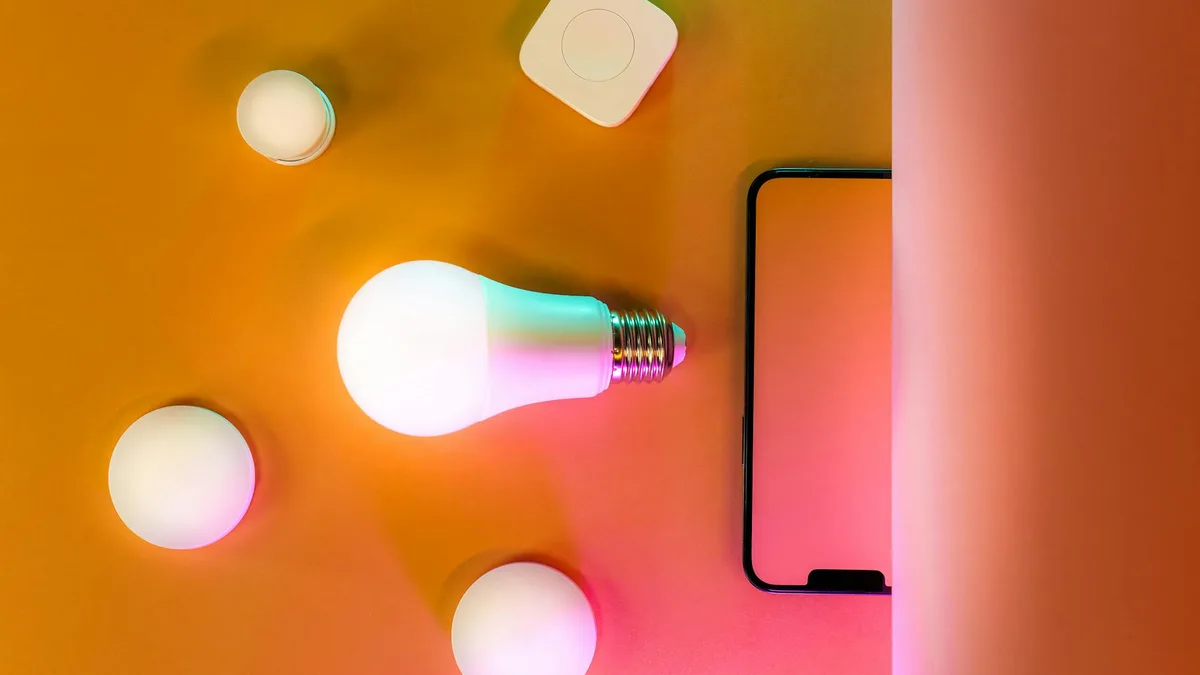
Smart bulbs fall into two main categories: white-only and color. White-only bulbs adjust brightness and color temperature (warm to cool white). Color bulbs do all of that plus full RGB color. Color bulbs cost roughly twice as much as white-only bulbs for the same brightness.
For a first purchase, white-only bulbs cover most practical use cases at lower cost. Color lighting is a nice addition in a living room or entertainment space but is not essential for getting started. Buy one or two A19 white smart bulbs from a reputable brand - Philips Hue, LIFX, and Sengled are all reliable options that work with both Alexa and Google Home - and see how you actually use them before buying more.
Understanding Matter and Why It Matters (But Is Not Urgent)
Matter is the smart home connectivity standard that launched in late 2022 and has been gaining adoption since. It is a protocol that allows smart home devices from different manufacturers to work together natively, without cloud dependencies or separate apps for each device brand.
The practical implication for a beginner in 2026: Matter is a nice bonus when purchasing new devices, but it is not required and should not be a gating factor. The devices that actually work well with Alexa and Google Home today - bulbs, plugs, switches, thermostats - do so reliably whether or not they support Matter. Many of the most popular and best-reviewed smart home products still do not support Matter.
When buying new devices, prefer Matter-compatible options when the price and feature set are comparable. But do not reject a well-reviewed device solely because it lacks Matter support. Focus on compatibility with your chosen ecosystem (Alexa or Google Home) and on product reliability as indicated by user reviews.
Thread, the low-latency mesh networking protocol that Matter runs on for many device types, is worth understanding as you go deeper. Thread-enabled devices respond faster and maintain more reliable connections than Wi-Fi-based devices. But this is a second-level consideration, not something to worry about when buying your first smart bulbs.
Recommended First Setup: Step by Step
- Buy a smart speaker. Echo Dot ($50) for a budget start, Echo Dot Max ($100) if you care about sound quality, or Google Home Speaker ($100) if you are Android-centric. Set it up and spend a few days using it for basic tasks - timers, music, questions - before adding anything else.
- Buy two smart bulbs. Choose a brand compatible with your speaker. Philips Hue, LIFX, and Sengled all work with both Alexa and Google Home. Install them in a room you use frequently - bedroom or living room is ideal. Connect them through the smart speaker's app.
- Use the setup for two to four weeks. Before buying more devices, understand which interactions you use daily and which ones you do not. This informs what to add next.
- Expand based on actual use patterns. If you use voice controls for lights constantly, add bulbs to other rooms. If you find yourself wanting to control your thermostat by voice, that is the logical next device. If you never use the voice controls, a smart plug ($15-25) for automating a lamp or a coffee maker is a low-cost way to experiment with a different interaction model before committing further.
Devices Worth Considering After the Basics
Smart Plugs ($15-25)
Smart plugs make any standard electrical device remotely controllable. Plug a lamp, a fan, a coffee maker, or a space heater into a smart plug and you can turn it on and off by voice or via schedule. They are among the cheapest and fastest smart home upgrades available. Buy one from a compatible brand (Amazon's own smart plugs work seamlessly with Echo, for example) and use it for a device you interact with daily.
Echo Show 8 4th Gen ($180)
The Echo Show 8 is a smart display - an Echo with an 8-inch screen and stereo speakers. It adds visual responses to Alexa queries, video calling, and a home screen that can show your calendar, weather, and smart home device status at a glance. The stereo speakers are a meaningful audio upgrade over the standard Echo Dot. If you use your smart speaker in a kitchen or living room where a screen would be useful, the Show 8 is a strong upgrade. At $180 it is a significant step up in price from the entry-level speaker but delivers meaningfully more functionality.
Echo Show 11 ($220)
The Echo Show 11 adds three inches of screen over the Show 8, bringing the display to 11 inches. This is sized appropriately for a kitchen hub or living room central display. At $220 it is the right choice if the 8-inch screen feels small for the space you have in mind. The 11-inch display makes recipe following, video calling, and visual smart home management more comfortable from across a room.
Smart Thermostat ($130-250)
A smart thermostat is one of the highest-ROI smart home purchases if you pay for your own heating and cooling. Nest and Ecobee are the two dominant brands, both well-reviewed and compatible with both Alexa and Google Home. A smart thermostat can reduce heating and cooling costs by 10 to 15 percent in many homes by learning your patterns and adjusting automatically. The upfront cost typically pays back in energy savings within one to two years.
Smart Doorbell Camera ($100-250)
A video doorbell lets you see who is at your door from your phone, answer the door remotely, and receive motion alerts. Ring (Amazon's brand) and Google Nest Hello both integrate tightly with their respective ecosystems. If you have an Echo Show or Google Nest Hub display, the doorbell camera can show live or motion-triggered video on the screen automatically. This is a practical security upgrade that adds tangible daily utility.
What to Avoid at the Start
Some smart home categories are popular but add complexity that is not worth it for a beginner's first setup.
- Smart door locks: Installing incorrectly compromises your home security. These are worth adding eventually but deserve careful research and ideally professional installation. Not a first purchase.
- Smart security cameras inside the home: Privacy implications require careful thought about placement and data storage before buying. Understand what data is stored where before installing cameras indoors.
- Whole-home audio systems: Multi-room audio from Sonos, Amazon, or Google can be excellent but adds cost and complexity quickly. Start with one speaker and expand only when you understand what you want from room coverage.
- Hub-dependent systems requiring a separate controller: Some smart home devices require a separate hub device (not the smart speaker) to operate. These add cost and a point of failure. For a beginner, stick with Wi-Fi-based or Zigbee-based devices that connect through your smart speaker directly.
Budget Planning
| Setup Level | Devices | Estimated Cost |
|---|---|---|
| Minimal start | Echo Pop + 2 smart bulbs | $80-95 |
| Recommended start | Echo Dot + 2 smart bulbs | $120-145 |
| Better audio start | Echo Dot Max + 2 smart bulbs | $170-195 |
| Google ecosystem start | Google Home Speaker + 2 smart bulbs | $170-195 |
| With smart plugs | Recommended start + 2 plugs | $150-180 |
| Display upgrade | Echo Show 8 + 2 smart bulbs | $240-265 |
Common Beginner Questions
Do I need to buy from one brand?
No. The smart home ecosystem is built around compatibility, not brand exclusivity. Amazon Echo speakers work with smart bulbs, plugs, thermostats, and other devices from dozens of brands. Google Home works similarly. Pick a speaker platform (Echo or Google Home) and then choose the best-reviewed device in each category that works with your platform. Brand mixing is normal and expected.
What happens if the internet goes down?
Most smart home devices lose remote control capability when your internet connection is down, but devices with local control fallback continue to work. This is one area where Matter improves the situation - Matter devices are designed to continue operating locally without cloud dependency. In practice, internet outages are brief enough that this is rarely a significant problem for most users.
Are smart home devices a security risk?
Any device connected to your home network is a potential attack surface. The practical steps that minimize risk: buy from established brands with a track record of security updates, keep devices on their own Wi-Fi network if your router supports guest networks, and keep device firmware updated. The security risk of consumer smart home devices from established brands is low in practice, but it is not zero and is worth thinking about before putting cameras or microphones in sensitive areas of your home.
Can I start without a smart speaker?
Yes. Smart bulbs and plugs can be controlled entirely through their mobile apps without a voice assistant. Some people prefer app control to voice control. But a smart speaker dramatically expands the daily convenience of your setup and serves as a central hub for managing multiple devices. If you are going to build a smart home beyond two or three devices, a smart speaker is worth adding early.
The Right Pace
The most common mistake new smart home buyers make is buying too many devices too quickly. A $500 initial purchase of a speaker, bulbs, plugs, a thermostat, and a doorbell camera sounds like a complete setup, but setting up five new device categories simultaneously creates friction and makes it hard to learn what you actually find valuable.
Start with a speaker and two bulbs. Use that setup until voice control for lights is a natural habit. Then add one more device category. Repeat. The people who end up with smart homes they actually use and enjoy almost universally built them incrementally over months or years, not in a single purchase.
The smart home category's best feature in 2026 is that starting small is easy and cheap. A $120 investment in an Echo Dot and two smart bulbs is enough to understand whether this category is right for you - and that is the only question that matters before spending more.