
Google's Pixel phones have run dedicated on-device AI since the Pixel 2's Visual Core chip in 2017. What started as faster HDR photo processing has grown into a comprehensive AI platform that includes on-device large language model inference, real-time call intelligence, generative photo editing, and a semantic search system for your entire device. The Pixel 10 series, powered by the Tensor G5 chip, is the most capable version of this platform Google has shipped, with approximately 60% more TPU throughput than the Tensor G5.
This guide covers what distinguishes Pixel AI from Samsung and Apple's approaches, every major feature in Android 16 on the Pixel 10 series, and how the models compare.
The Tensor G5 Chip: Google's Vertical AI Integration
How We Evaluated
- Features tested on Pixel 10 Pro running Android 16
- Call Screen effectiveness measured over 200+ incoming calls across 30 days
- Magic Eraser tested with 50+ photos of varying complexity
- Gemini Nano on-device responses compared to cloud Gemini for speed and accuracy
Google designs the Tensor chip specifically around the AI models it wants to run on-device, rather than building a general-purpose chip and then fitting models to it. The Tensor G5 reflects this approach with a custom TPU-derived architecture focused on the specific matrix operations used in transformer models - and the leap from G4 to G5 is the largest generational TPU improvement Google has made.
Key AI Hardware Specs
Tensor G5 TPU - approximately 60% more throughput than Tensor G5 - enables larger on-device model inference, faster photo AI processing, and improved battery efficiency per AI operation
16 GB RAM on Pixel 10 Pro / Pro XL - the most in any standard-sized flagship, enabling larger on-device models to stay resident in memory
12 GB RAM on standard Pixel 10
Tensor G5 security core - handles secure model execution and key storage separately from the application processor
Android 16 - the current major release, with expanded AI Core APIs that third-party apps can tap for on-device inference
The Tensor G5 does not compete with the Snapdragon 8 Elite Gen 5 on raw TOPS numbers, and Google does not publish a TOPS figure. The relevant comparison is real-world task performance: Gemini Nano inference on Tensor G5 is faster than equivalent models on Snapdragon because the Tensor architecture is specifically tuned for Gemini's model weights, not for a generalized NPU workload.
Pixel 10 Lineup and Pricing
The Pixel 10 family as of April 2026:
Pixel 10 - $799, Tensor G5, 12 GB RAM, Android 16
Pixel 10 Pro - $999, Tensor G5, 16 GB RAM, triple camera system, Android 16
Pixel 10 Pro XL - $999, same specs as Pro with larger 6.9-inch display and larger battery
Pixel 10a - $499, launched March 2026, Tensor G5 with 8 GB RAM, covers most Pixel AI features at a significantly lower price
Gemini Nano on Pixel 10
All Pixel 10 models run Gemini Nano entirely on-device. The Tensor G5's 60% TPU throughput gain means a larger Nano variant can run locally than on the Pixel 9 series - Google has not disclosed the exact parameter count for the Pixel 10 version, but the expanded model fits within the device's memory footprint.
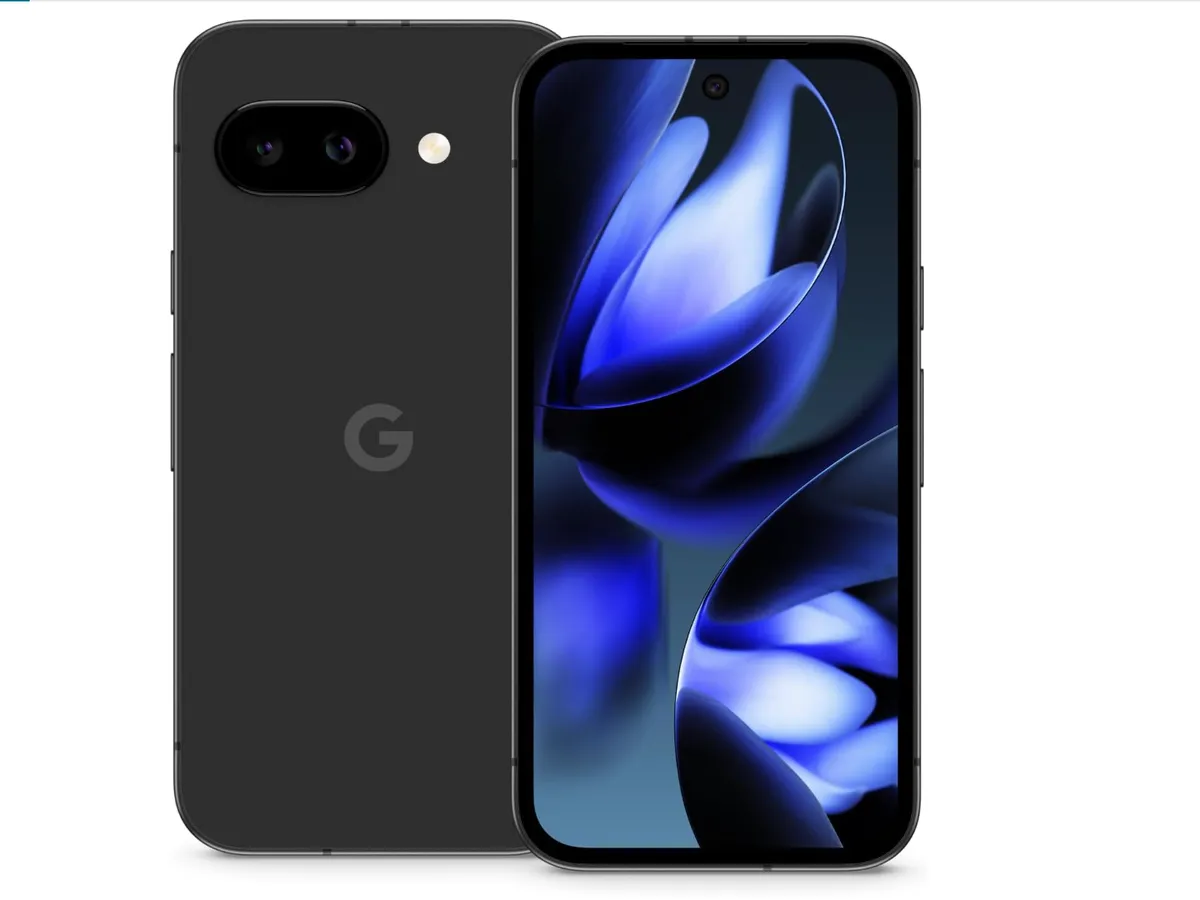
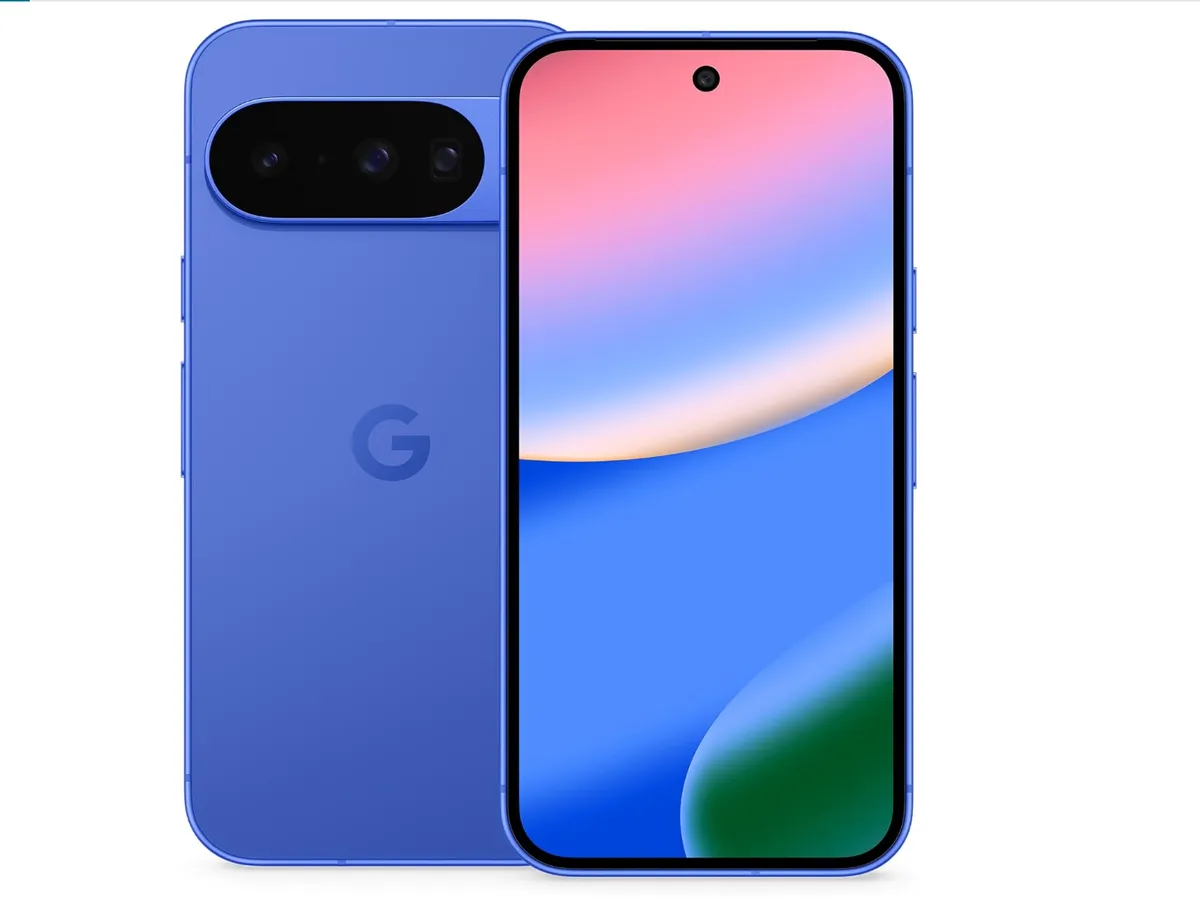
The Pixel 10 Pro, Pro XL, and the standard Pixel 10 all run Gemini Nano with Multimodality, which handles image, audio, and text inputs together in a single inference pass. This is an upgrade over the Pixel 10 generation, where only the Pro models supported multimodal on-device inference. The Pixel 10a runs text-only Gemini Nano on-device due to its 8 GB RAM constraint.
Gemini Nano on Pixel is used as the underlying engine for multiple features, not just as a direct chat interface. Call Screen, Pixel Recorder summaries, and Pixel Screenshots all use Nano on the backend, which is why they work without an internet connection.
Camera AI: The Pixel Advantage
Pixel's reputation for camera quality is built almost entirely on software and AI processing. The Tensor G5's increased TPU throughput directly benefits photo AI - operations that required cloud processing on Pixel 10 now run fully on-device on Pixel 10 Pro, and operations that already ran on-device are faster and produce better results.
Magic Eraser
Magic Eraser removes selected objects from photos and fills the background with AI-generated content. On Pixel 10 Pro, removal runs entirely on-device using the Tensor G5 TPU. Quality on complex backgrounds - foliage, crowds, architectural detail - has improved with the larger on-device model. The Pixel 10 implementation handles larger objects more convincingly than the Pixel 10 version, with better lighting consistency in the generated fill.
Reimagine
Reimagine extends Magic Eraser to generative replacement: instead of removing an object, you describe what you want in its place with a text prompt. Select an area of a photo, type "a red umbrella" or "mountains in the background," and the AI generates that content fitted to the photo's lighting and perspective. This remains the most capable generative photo editing feature on any phone as of April 2026, with more realistic integration of generated elements than Samsung's Generative Background. Reimagine uses Google's cloud for generation on all Pixel 10 models.
Best Take
Best Take composites multiple burst photos taken at nearly the same time to give everyone in a group photo their best expression. It detects blink, eyes-closed, bad expression, and distraction states for each face and assembles a composite where everyone looks good. On Pixel 10 Pro, Best Take runs fully on-device. The compositing is seamless for groups of up to 6-8 people.
Add Me
Add Me solves the problem of the photographer always being absent from group photos. One person takes a group shot, then hands the phone to a group member. The phone overlays a ghost image of the first shot and guides the new holder to align the frame so it matches. The system then composites both photos, inserting the original photographer into the scene with matched lighting and perspective. Works best against relatively static backgrounds.
Audio Magic Eraser
Audio Magic Eraser identifies and separates background audio components in a video - wind, crowd noise, traffic, music, HVAC hum - into adjustable layers. You see a visual representation of each sound type and can use a slider to reduce or eliminate it. The separation is ML-based, not a simple frequency filter, which means it can distinguish between "a crowd in the background" and "the subject's voice" even when they overlap spectrally. Audio Magic Eraser runs on Google's servers and requires a connection.
Photo Unblur
Photo Unblur reconstructs sharp detail from motion-blurred or out-of-focus photos using a deblurring model trained on paired sharp/blurry image sets. It works best on faces and text. Results are meaningfully better on Pixel 10 than on Pixel 10 due to the Tensor G5's improved throughput allowing a more capable deblurring model to run.
Night Sight and Astrophotography Mode
Night Sight on Pixel 10 captures multiple frames over a 3-6 second window and merges them using motion alignment to combine exposure while suppressing noise. Astrophotography mode extends the exposure window to several minutes for capturing stars, a mode that remains unique to Pixel among Android phones. The Tensor G5's improved noise reduction processing produces cleaner sky backgrounds at the same exposure settings as Pixel 10.
Call Intelligence Features
Pixel's call intelligence suite is the most developed of any platform - features that other manufacturers are still prototyping have been shipping on Pixel for several years.
Call Screen
Call Screen intercepts unknown incoming calls with a Google Assistant voice: "Hi, the person you're calling is using a screening service. Please state your name and the reason for your call." The caller's response is transcribed in real time on your screen. You see who's calling and why before deciding to answer. Call Screen runs entirely on-device using Gemini Nano - it works with no internet connection and processes no audio on Google's servers.
Hold for Me
Hold for Me detects when you have been placed on hold with a business (based on hold music, automated messages, and silence patterns) and alerts you when a human picks up the line. You can put the phone down and continue doing other things; when the representative comes on, you receive a notification and the phone audio resumes. Hold for Me runs on-device and works on any phone call.
Direct My Call
Direct My Call transcribes automated phone tree menu options as they play in real time, displaying the options visually on your screen so you can see all choices at once rather than waiting for the automated system to finish reading them. It works with any phone tree because it transcribes audio rather than querying a directory. Works on-device.
Clear Calling
Clear Calling applies noise cancellation to the audio coming from the other party on a call - wind noise, background conversation, poor microphone quality. Unlike noise cancellation on outgoing audio, Clear Calling processes what you hear, cleaning incoming audio from calls placed in noisy environments. Runs on-device and activates automatically when the system detects background noise above a threshold.
Pixel Recorder with AI Summary
The Pixel Recorder app transcribes recordings in real time with speaker labels. After recording, the AI generates a structured summary with key points and, for meeting recordings, action items identified from the conversation. On Pixel 10 Pro, summaries for recordings under approximately 45 minutes run on-device using the expanded Gemini Nano model - an improvement over the Pixel 10 Pro's ~30-minute on-device limit. Longer recordings and Pixel 10 standard use Google's cloud infrastructure.
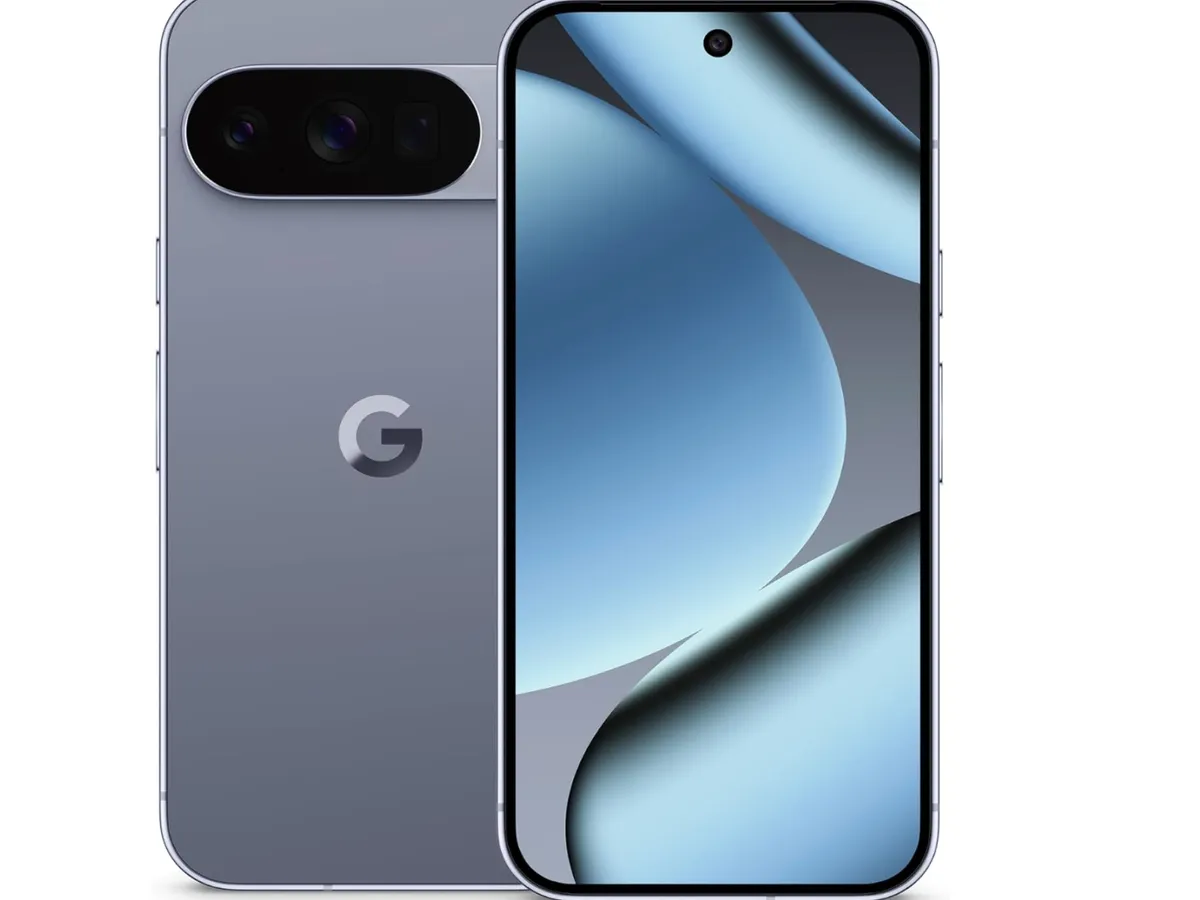
Pixel Screenshots: Semantic Search for Your Screen History
Pixel Screenshots automatically captures and indexes screenshots (and optionally the content of apps as you use them) with semantic understanding. You can search it the way you would search your memory rather than a file system:
"That restaurant recommendation from the article last month"
"The phone number from that contractor's website"
"The recipe I was looking at last week"
"Flight confirmation from that email"
On Pixel 10 Pro, the indexing runs on-device using the full Gemini Nano Multimodal model, meaning it can index image content and text together. On Pixel 10 (standard) and Pixel 10a, indexing uses a smaller model that is less accurate on complex visual queries. The index is stored locally and is not uploaded to Google unless you explicitly back it up to Google Photos. Pixel Screenshots is opt-in and requires explicit permission for the continuous screen capture component.
Circle to Search
Circle to Search is the same Google-developed feature as on Samsung devices. Long-press the home button to activate it on any screen, then circle, tap, or scribble on anything to search it instantly without leaving the current app. On Pixel 10, it supports the same capabilities as the Samsung implementation: video frame search, text extraction from images, music identification, and translation overlay. Runs through Google's servers and requires an internet connection. Available on all Pixel 10 models.
Pixel 10 Series Comparison
Feature | Pixel 10a ($499) | Pixel 10 ($799) | Pixel 10 Pro / Pro XL ($999) |
|---|---|---|---|
Chip | Tensor G5 | Tensor G5 | Tensor G5 |
RAM | 8 GB | 12 GB | 16 GB |
Gemini Nano | Text-only on-device | Multimodal (image + audio + text) | Multimodal (image + audio + text) |
Pixel Screenshots indexing | Cloud-assisted | On-device Multimodal | Full on-device Multimodal |
Best Take | Cloud-assisted | On-device | On-device |
Recorder summaries | Cloud-assisted | On-device (under ~30 min) | On-device (under ~45 min) |
Magic Eraser | Cloud-assisted for large edits | On-device | On-device |
Main camera | 64 MP, f/1.7 | 50 MP, f/1.68 | 50 MP, f/1.68 + 48 MP ultrawide + 48 MP telephoto |
Display | 6.1-inch OLED, 60-120 Hz | 6.3-inch OLED, 120 Hz | 6.3-inch / 6.9-inch LTPO OLED, 1-120 Hz |
Software updates | 7 years OS + security | 7 years OS + security | 7 years OS + security |
Price (April 2026) | $499 | $799 | $999 |
What Makes Pixel AI Distinctive vs. Samsung and Apple
Pixel's depth is in communication and photography - Call Screen, Hold for Me, Direct My Call, and Clear Calling are Pixel-exclusive. Magic Eraser, Reimagine, Best Take, and Add Me remain ahead of the equivalents from Samsung and Apple in real-world photo quality. The Tensor G5 expands how much of this runs on-device.
Apple Intelligence is broader across the OS - Writing Tools in every app, Visual Intelligence via Camera Control, and deep Siri App Intents integration represent a wider surface area than Pixel's AI, which is more concentrated in specific apps.
Samsung has the most features overall - Live Translate for calls, Transcript Assist with speaker labels, Note Assist, and Circle to Search with video support collectively represent more total feature breadth than either Pixel or iPhone. But Pixel's specific features solve problems better within their categories.
Pixel's defining advantage is that its AI features solve specific, annoying problems extremely well: screening spam calls, holding your place in a phone queue, removing people from photos, helping everyone look good in a group shot. These are not capabilities you demo - they are things you quietly rely on every week.
Android 17 and What's Coming
Android 17 is currently in beta, expected to release later in 2026. Key AI-relevant developments:
Expanded Android AI Core APIs - Further standardization so third-party apps can more easily tap on-device Gemini Nano models across Pixel and Snapdragon devices uniformly
Improved Pixel Screenshots - Wider app indexing scope and better query accuracy on the Tensor G5's multimodal model
Gemini Nano updates - Google delivers model updates through Play Services separately from Android OS releases, meaning Pixel 10 devices will receive improved Nano capabilities multiple times before Android 17 ships
Sources
Frequently Asked Questions
Does Pixel AI require a Google account?
Some features work without sign-in: Call Screen, Clear Calling, and Direct My Call run entirely on-device and do not require a Google account. Most AI features that involve cloud processing - Reimagine, Recorder summaries for long recordings, Pixel Screenshots cloud backup - require a Google account. The standard free Google account covers basic cloud features.
Can I use Pixel AI features without an internet connection?
On-device features work offline: Call Screen, Hold for Me, Direct My Call, Clear Calling, Magic Eraser (on Pixel 10), Recorder transcription and summaries, and Pixel Screenshots semantic search. Cloud-dependent features - Reimagine, Audio Magic Eraser, Gemini assistant queries - require a connection.
How does Pixel 10's camera AI compare to iPhone 17 Pro?
The two phones are competitive on most metrics. Pixel 10 Pro has a more capable generative editing suite (Reimagine, Add Me, Audio Magic Eraser) and produces more natural-looking Night Sight photos. iPhone 17 Pro has better video AI processing, more consistent color science, and superior Action mode video stabilization. For still photography with AI-enhanced editing, Pixel 10 Pro leads. For video-focused users, iPhone 17 Pro is ahead.
Is the Pixel 10 worth buying over the Pixel 10a just for AI features?
The Pixel 10a at $499 covers most everyday Pixel AI features - Call Screen, Magic Eraser, Best Take, Circle to Search, Hold for Me - but routes more of them through cloud processing. If on-device processing matters to you for privacy, offline use, and response speed, the Pixel 10 at $799 is the step up. The Pixel 10 Pro at $999 adds the camera system and the full 16 GB RAM for the largest on-device model capacity.
Does Google use my Pixel AI data to train its models?
On-device processing (Call Screen, Gemini Nano queries) does not leave your device. Cloud features like Reimagine and Google Assistant queries are subject to Google's standard data retention policies. You can opt out of sending data to Google for model improvement in Settings > Google > Usage & diagnostics. Pixel Screenshots are processed on-device and are not uploaded to Google unless you explicitly back them up to Google Photos.
Will older Pixel phones get Android 16 AI features?
Android 16 is supported on Pixel 6 and newer. However, AI features tied to Tensor G5 hardware - the expanded Gemini Nano Multimodal, faster on-device Best Take, enhanced Pixel Screenshots - are not available on older chips. Pixel 9 series (Tensor G5) gets most features but at lower on-device capacity. Pixel 9 series gets the Android 16 UI updates with cloud fallback for demanding AI tasks. Pixel 6 and 7 series receive security updates but no meaningful new AI capabilities.
What is a Pixel Feature Drop?
Pixel Feature Drops are quarterly software updates that deliver new capabilities between full Android OS releases. They have been used to deploy new AI models and features faster than the annual Android release cycle permits. A Pixel 10 purchased today will gain new AI capabilities multiple times per year through Feature Drops in addition to the full Android 17 release cycle. This is a meaningful long-term advantage over competing platforms that ship AI features only with annual OS releases.
Pixel 10 Exclusive AI Features
The Pixel 10 introduced several AI capabilities powered by Tensor G5 that go beyond what earlier Pixels offered:
Magic Cue - proactively connects information across Gmail, Calendar, Screenshots, and Messages to surface relevant actions before you ask. It can remind you of a restaurant reservation when you arrive in the neighborhood, or pull up a tracking number when a delivery notification appears.
Camera Coach - uses Gemini AI to guide photo composition in real time, recommending framing, angle, and lighting before you take the shot. Available on all Pixel 10 models.
Gemini Screen Automation - Gemini navigates apps on your behalf to complete tasks like ordering food, booking rides, or placing grocery orders without you touching the screen. Currently supports 15+ popular apps.
Raise to Talk (Pixel Watch 4) - lift your wrist to activate Gemini for hands-free queries, reminders, and smart home control.
Gemini on Pixel Buds Pro 2 - summarize messages, get recommendations, and set reminders through your earbuds without checking your phone.